GitLab in the Homelab: Self-Hosted Git, CI/CD, and Container Registry
How a self-hosted GitLab instance with CI/CD pipelines and an internal container registry transformed my homelab workflow.
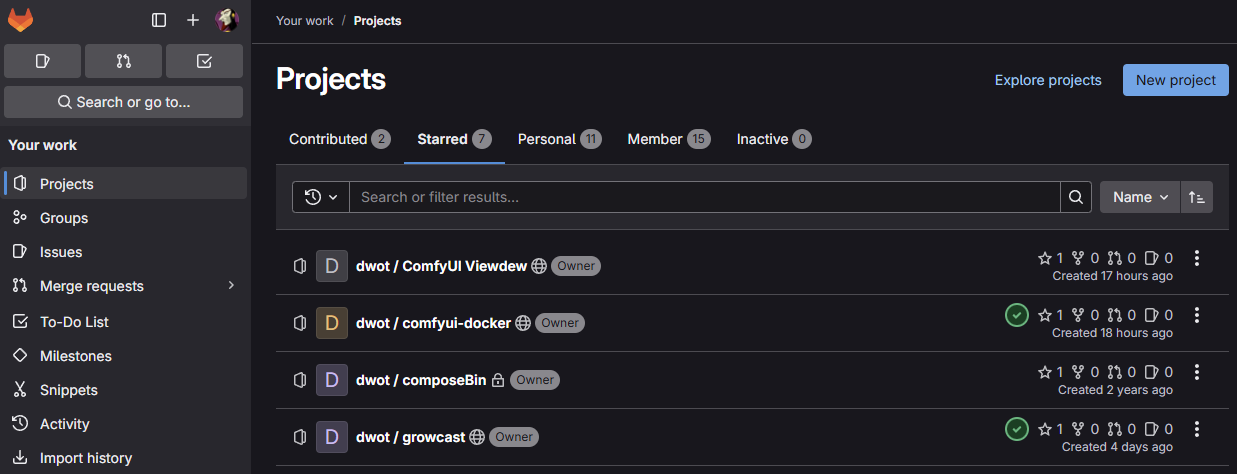
If you run a homelab long enough, you inevitably end up with a pile of custom Docker images, scripts, and configs scattered across machines. At some point you need a proper place to manage all of it — version control, CI/CD, a container registry. For me, that's a self-hosted GitLab instance.
Why Self-Hosted GitLab?
I already keep my public projects on GitHub, but a lot of what runs in my homelab doesn't belong there. Internal configs, project-specific Dockerfiles, quick utility scripts, private experiments — this stuff needs a home that's under my control, on my network, and doesn't require me to think about visibility settings or rate limits.
GitLab checks all the boxes. It's a single deployment that gives me git hosting, a container registry, CI/CD pipelines, and even a snippet manager for those one-off scripts that don't deserve their own repo. It's overkill in the best possible way.
The Setup
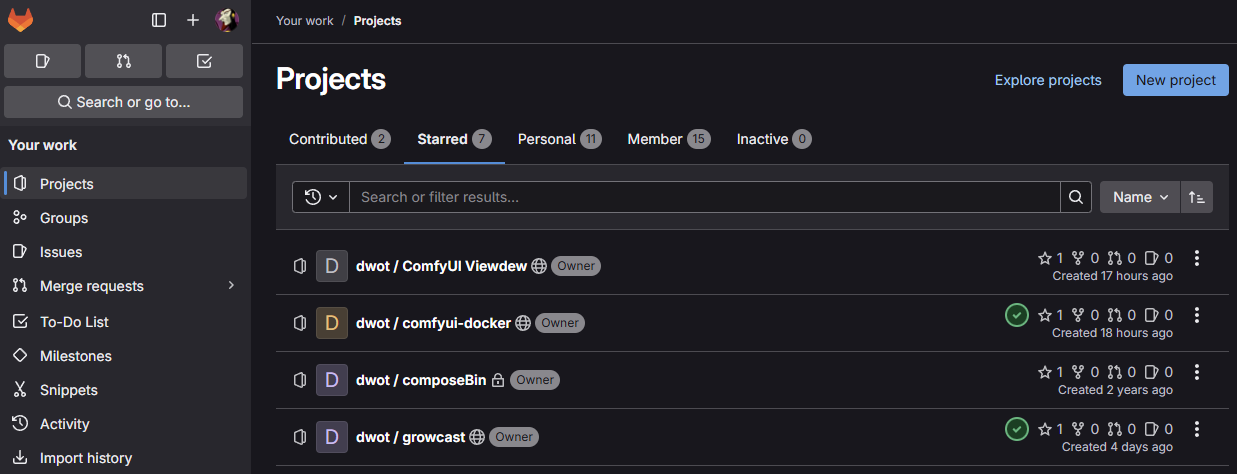
The whole thing runs in Docker, which keeps it self-contained and easy to back up or migrate. GitLab CE sits behind a reverse proxy on my LAN, so I can access it from any machine on the network with a clean URL and TLS. Nothing is exposed to the internet — it's purely an internal tool.
Alongside the main GitLab container, I run a GitLab Runner container that picks up CI jobs. The runner is configured with a Docker executor, so each job spins up its own isolated container to do the work. This keeps the build environment clean and reproducible every time.
GitLab's built-in container registry rounds out the stack. When a pipeline builds an image, it pushes straight to the internal registry. Any machine on the LAN can pull from it. No Docker Hub, no external dependencies — just a tight loop from code push to runnable image.
The CI/CD Workflow
This is where the real value is. Before I had CI set up, building and deploying a new image meant SSH-ing into a machine, running a manual docker build, tagging it, maybe pushing it somewhere, and hoping I remembered all the build args. It worked, but it was tedious and error-prone.
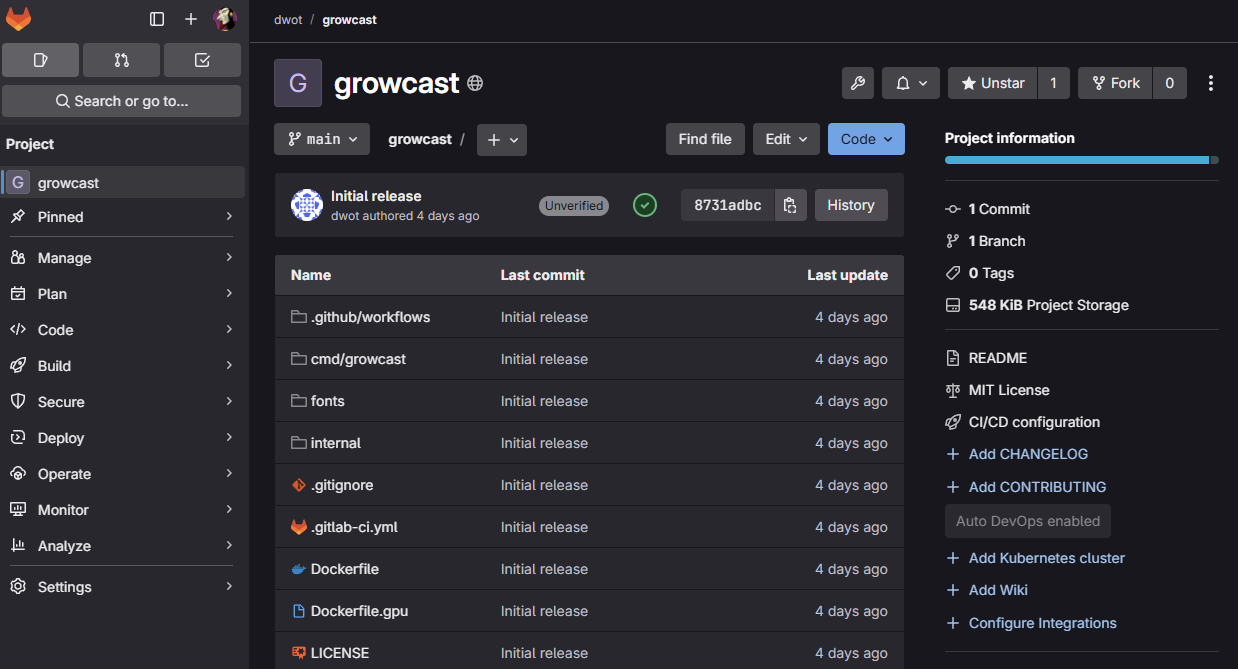
Now the workflow is simple: push code, and the pipeline handles the rest. A typical .gitlab-ci.yml defines one or more build jobs — for example, separate CPU and GPU image variants — and the runner executes them automatically. A few minutes later, fresh images are sitting in the registry, ready to pull.
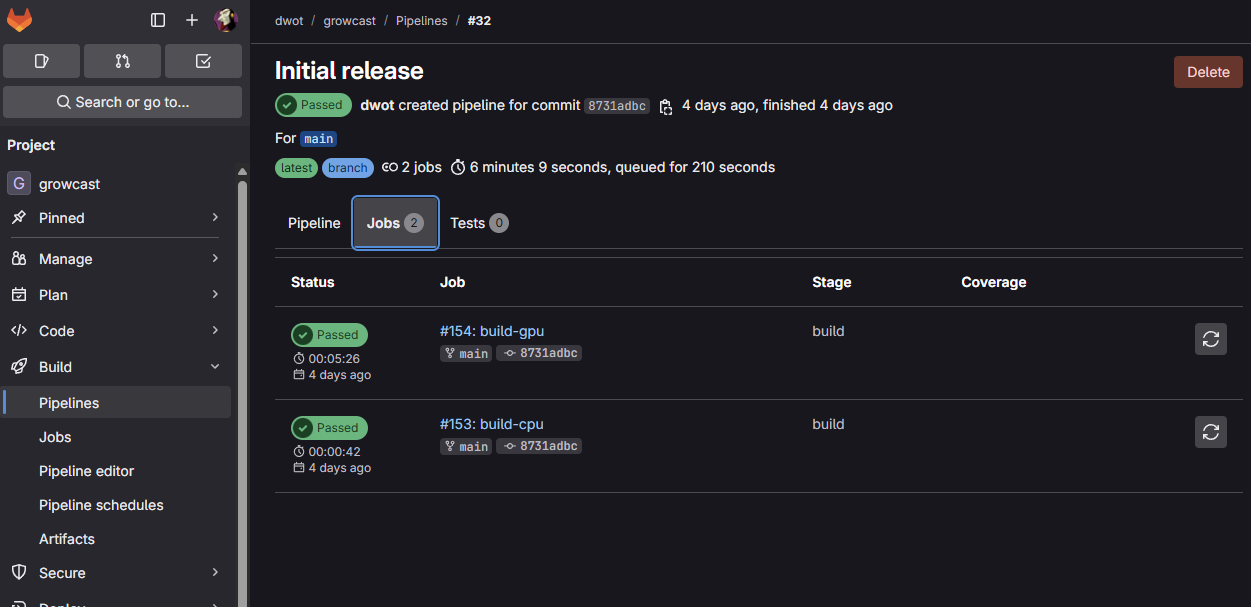
The difference this makes to iteration speed is hard to overstate. I can tweak a Dockerfile, push, and have a new image built and available in minutes without touching a terminal on the target machine. More importantly, every build is repeatable. The same commit always produces the same image, and I can trace any running container back to the exact code that built it.
Why It Matters for a Homelab
It's tempting to think of CI/CD as something that only matters for "real" production environments. But a homelab benefits from the same discipline. When you're running a dozen services across a few machines, knowing that your images are built from version-controlled code — and that you can rebuild any of them at any time — is a huge quality-of-life improvement.
It also lowers the barrier to experimentation. Spinning up a new project with automated builds takes minutes, not hours. And when something breaks, you can roll back to a known good image without scrambling to remember what you changed.
In future posts I'll dig into some of the specific projects that live on this GitLab instance. For now, if you're running a homelab and haven't set up internal CI/CD yet, I'd strongly recommend it. GitLab CE is free, runs well in Docker, and the productivity gain is real.