Lana Rings, We Answer: Turning Three Dog Doorbells Into Phone Notifications
Three cheap 433 MHz dog doorbells, a Flipper Zero, a $10 ESP32 listener, and a self-hosted ntfy bus — so we never miss Lana asking to go out again.
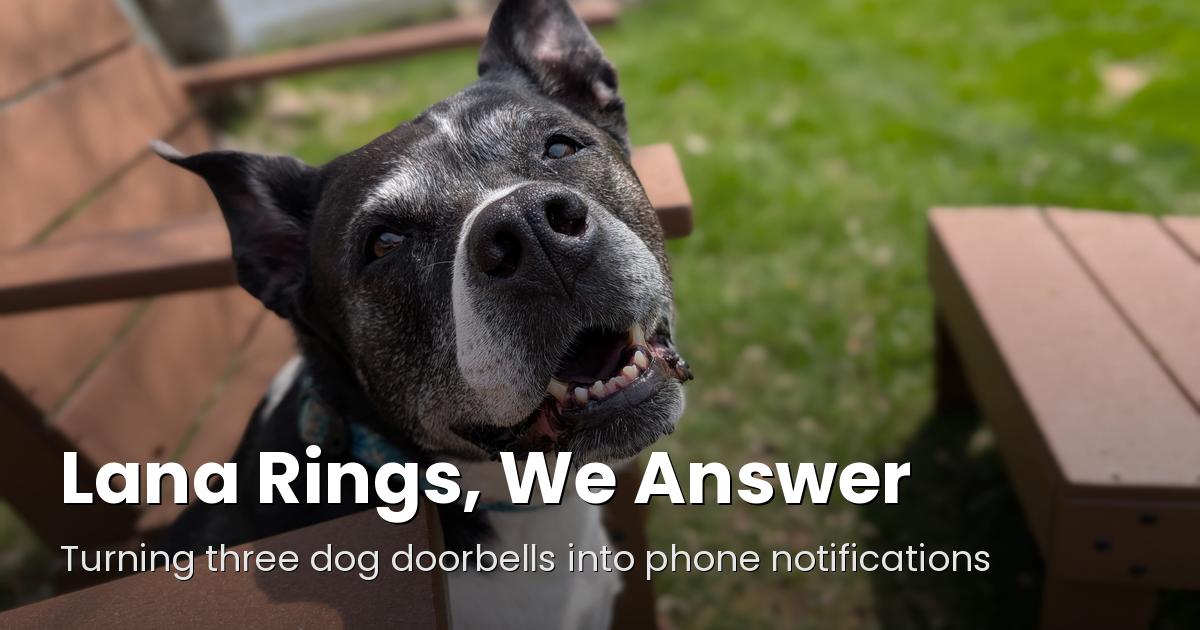
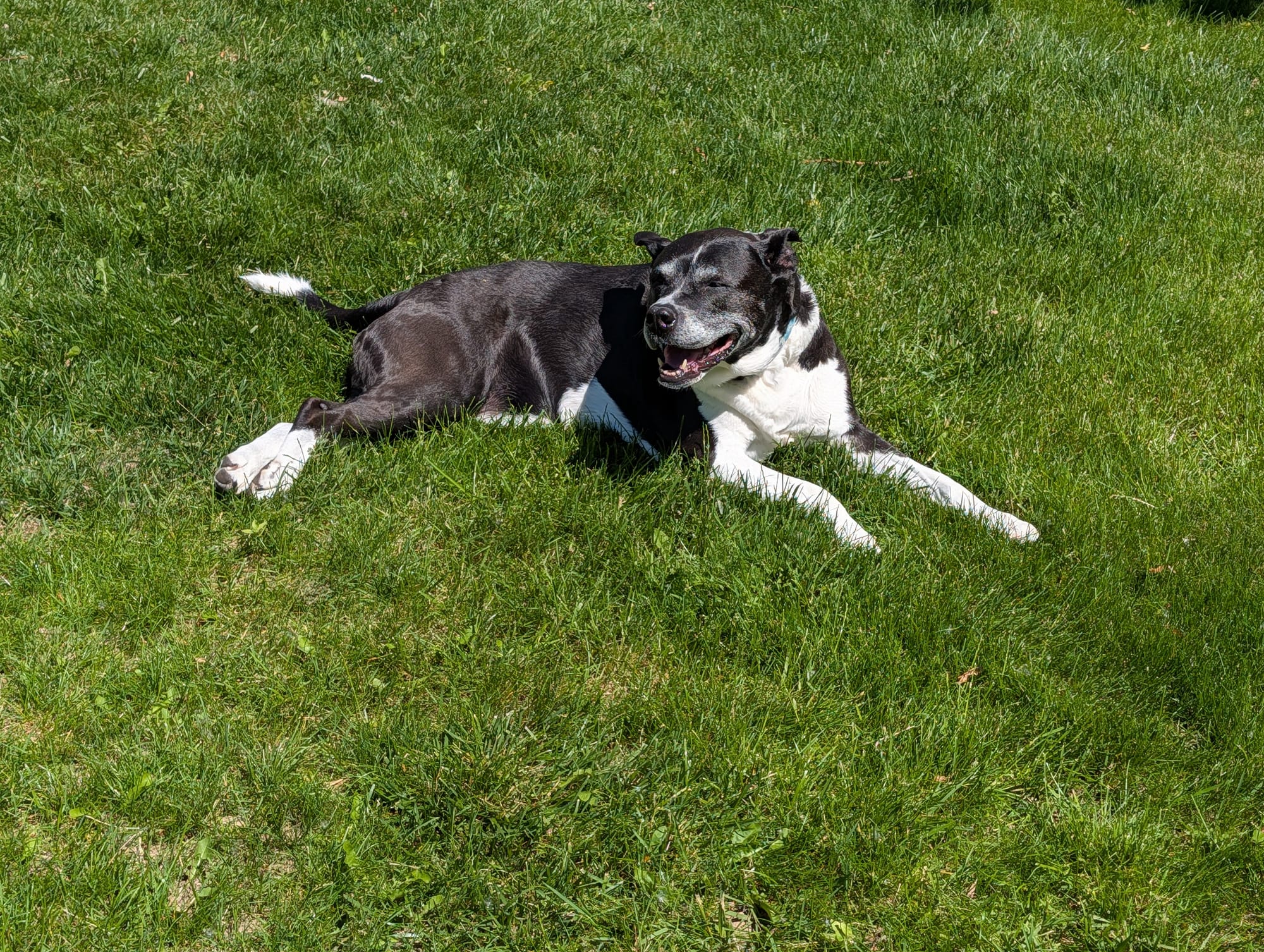
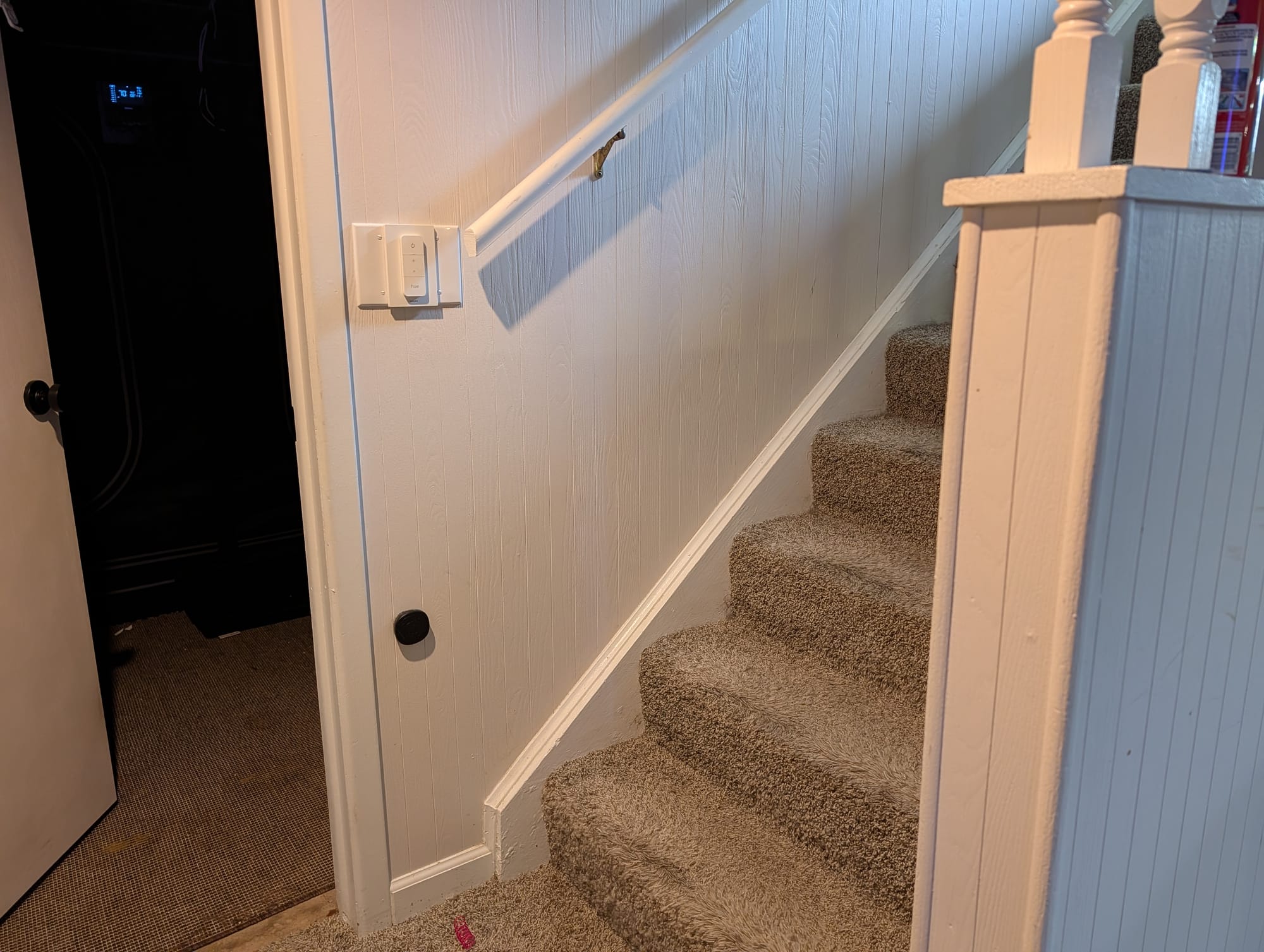
We've been refreshing our training with our dog Lana on letting us know she needs to go out with doggy doorbells. Back in the old house we had sleighbells hanging that she would nose to tell us she needed to go out. They worked well enough, but it was a small house. When we moved we retrained on wireless doggy doorbells — little paw-activated buttons she boops when she needs to go out, and a plug-in chime somewhere in the house rings. We've got three of them mounted: one at the front door, one at the back, and one at the bottom of the stairs in the finished basement, with a single ringing receiver in the dining room somewhat between them all.
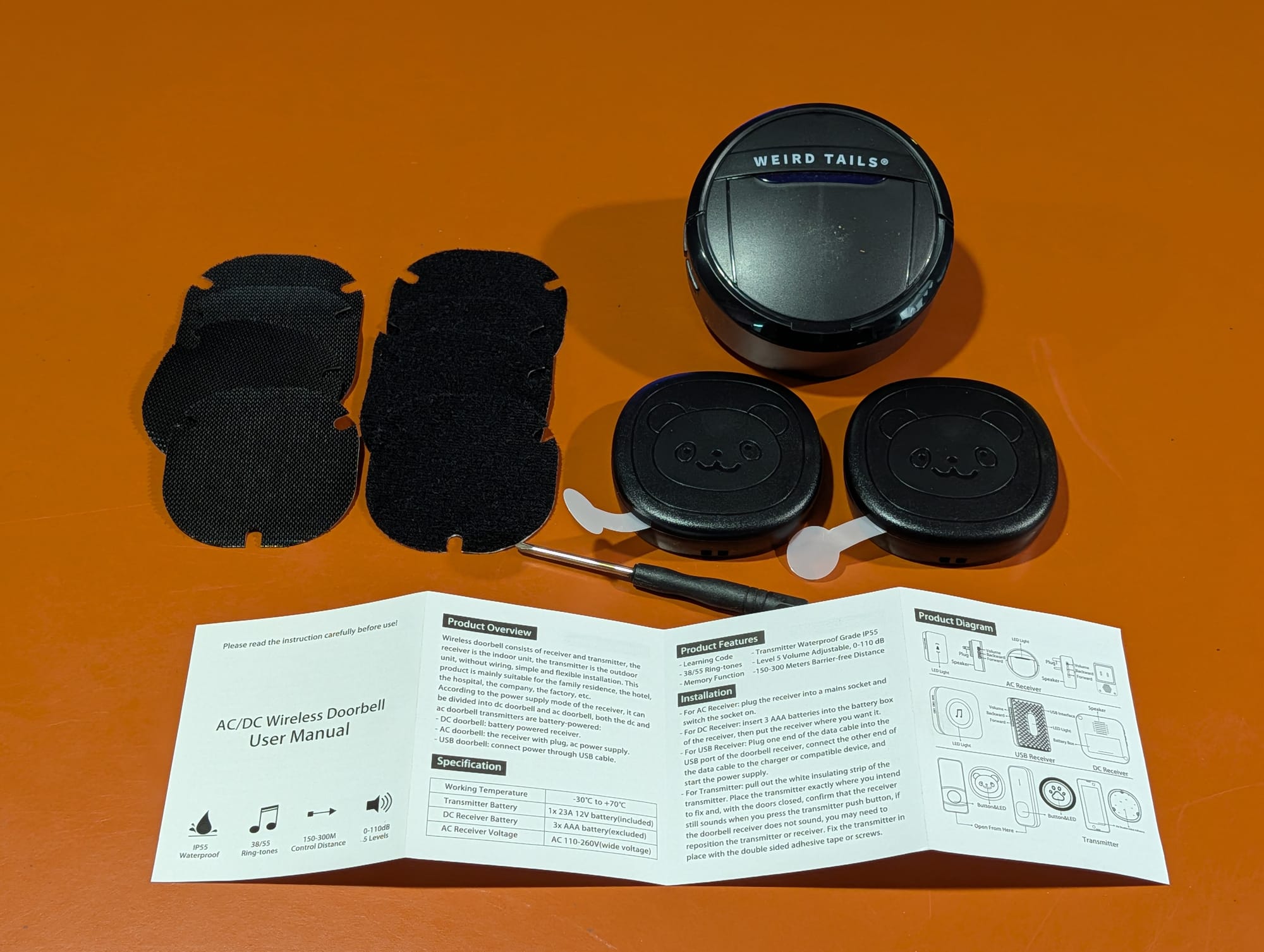
Great system. One problem: the dining room receiver is the only thing that rings, and it is not always where we are.
Down in the basement, you flat-out can't hear it. And with no logs or history to check or lingering notice beyond the bell, you wind up waking at 3am with the nagging thought did she just ring the bell? — and now you're trying to fight sleep inertia to get up and chase a possible phantom ring. Worst of all is missing a ring and leaving the poor pooch who tried to do the right thing hanging, uncomfortable, and undoing training work.
So, naturally, instead of just moving the receiver or buying a second chime like a reasonable person, I built a notification system.
Don't replace the bells — eavesdrop on them
The key realization: those doorbells aren't smart, and they aren't secret. They're dirt-cheap 433 MHz radios. Every time Lana presses a paw, the transmitter shouts a fixed code into the air and the chime hears it. Nothing stops me from listening to that same code — I just needed a second set of ears that could talk to Home Assistant.
First stop was my Flipper Zero to figure out what these things were actually saying. Sub-GHz → Frequency Analyzer, hold it next to a transmitter, mash the paw: 433.92 MHz. Then Read, and it decoded cleanly as Princeton, 24-bit. I saved all three signals, then emulated one back at the receiver — the chime rang. That replay test told me two things: I had the right codes, and they're fixed codes (no rolling encryption), which meant matching on them later would be trivial.
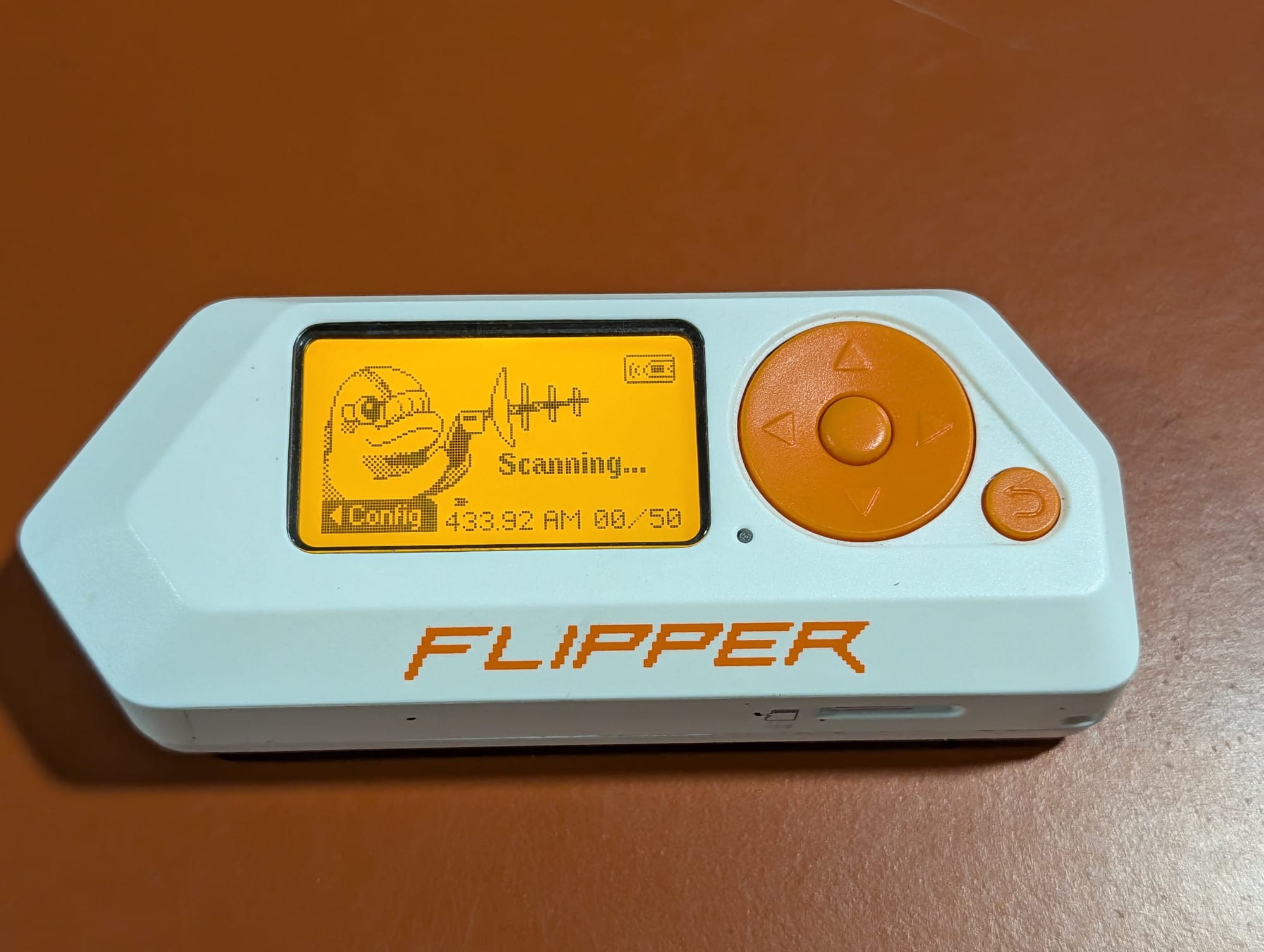
The $10 pile of parts
The permanent listener is almost embarrassingly cheap: an RXB6 433 MHz receiver (a couple bucks) wired to an ESP32 running ESPHome. Three jumper wires. That's the whole bridge.
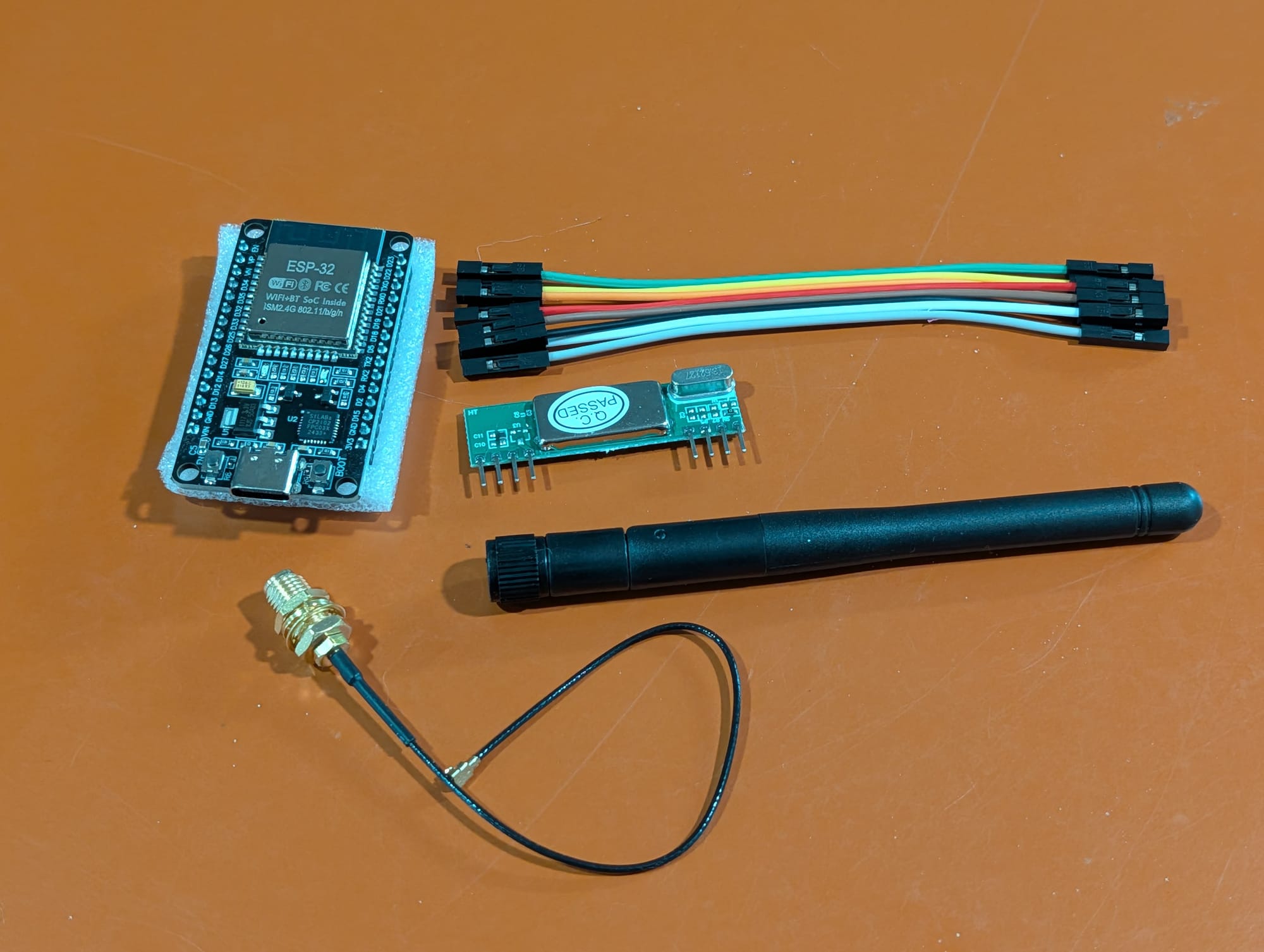
If you haven't wandered down the microcontroller aisle lately, here's the two-sentence version. The ESP32 is a tiny Wi-Fi/Bluetooth microcontroller — about the size of a stick of gum, five to eight dollars — that shows up in half the DIY smart-home projects on the internet. ESPHome is the firmware that makes it approachable: instead of writing C, you describe what the board should do in a short YAML file, hit compile, and it flashes over USB (and over-the-air after that). Best of all, an ESPHome device announces itself to Home Assistant automatically, so once it's running there's no glue code — the sensors just show up. Bolt the RXB6 on to give it 433 MHz ears and the whole "listener" is a $10 afternoon, not a project.
Teaching ESPHome the three knocks
With the radio working, ESPHome's remote_receiver does the decoding. There was a bit of rework on the signal trapping — the Flipper called these "Princeton," but ESPHome labels them as protocol 2, and it took a little tweaking and log-sniffing in ESPHome to nudge the idle timing so it stopped chopping each transmission in half at its sync gap. Once that was sorted, each bell showed up as a clean, distinct 24-bit code that repeated identically every press:
[remote.rc_switch] Received RCSwitch Raw: protocol=2 data='011110000000001010111011'Three codes, one per bell. In ESPHome those become three sensors:
binary_sensor:
  - platform: remote_receiver
    name: "Dog Doorbell - Basement"
    rc_switch_raw:
      code: "000000000000001010111011"
      protocol: 2
    filters:
      delayed_off: 2s
That delayed_off is doing quiet work — a held paw hammers the code dozens of times, and this collapses the burst into a single clean on-then-off event so one boop equals one notification, not twenty.
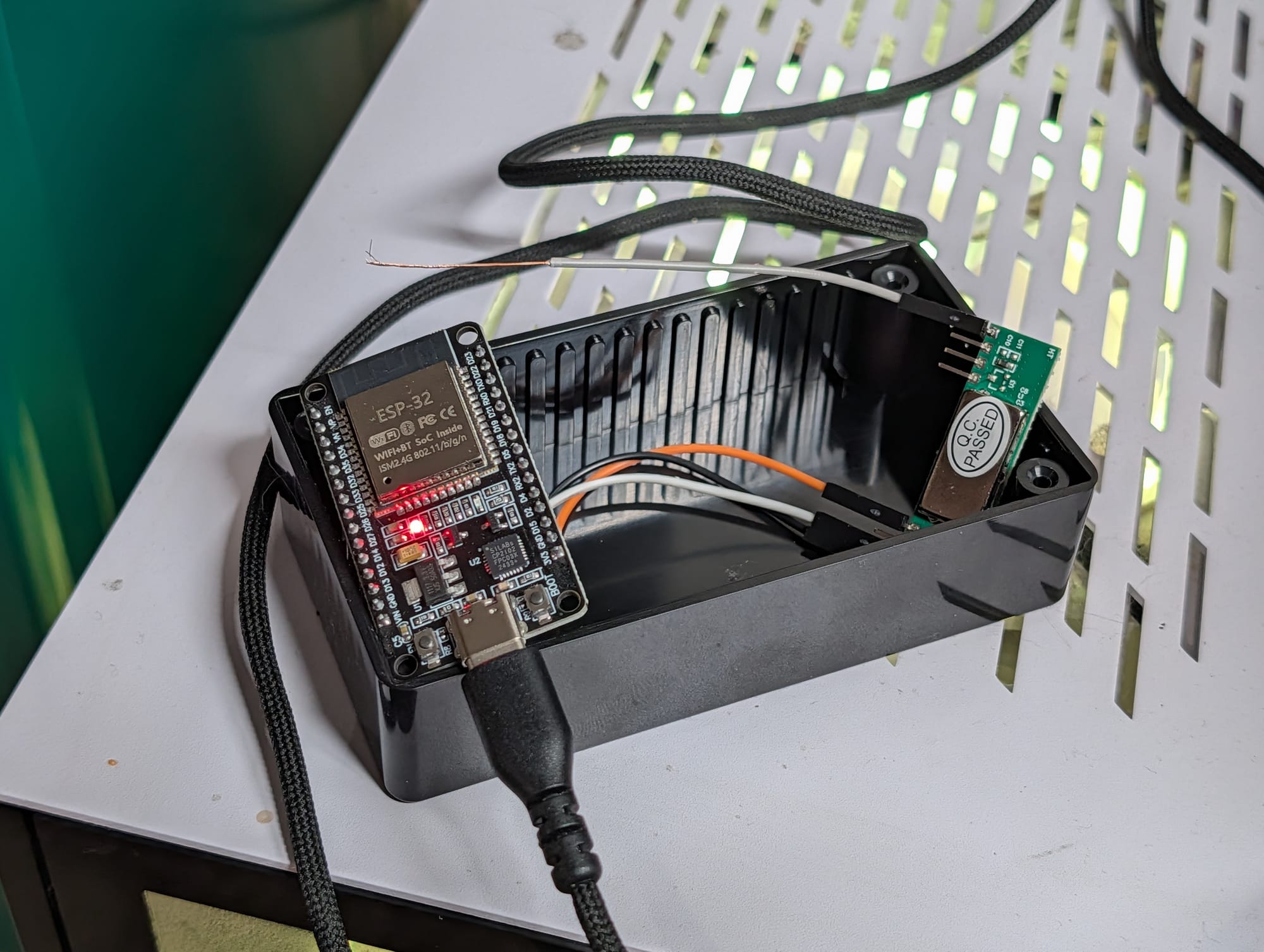
The ESPHome integration in Home Assistant makes it trivial to pull the new device in, and now we've got three doorbell sensors and a dashboard tracking every time Lana rings. Logging and certainty — but now we need to make sure we can actually hear her.
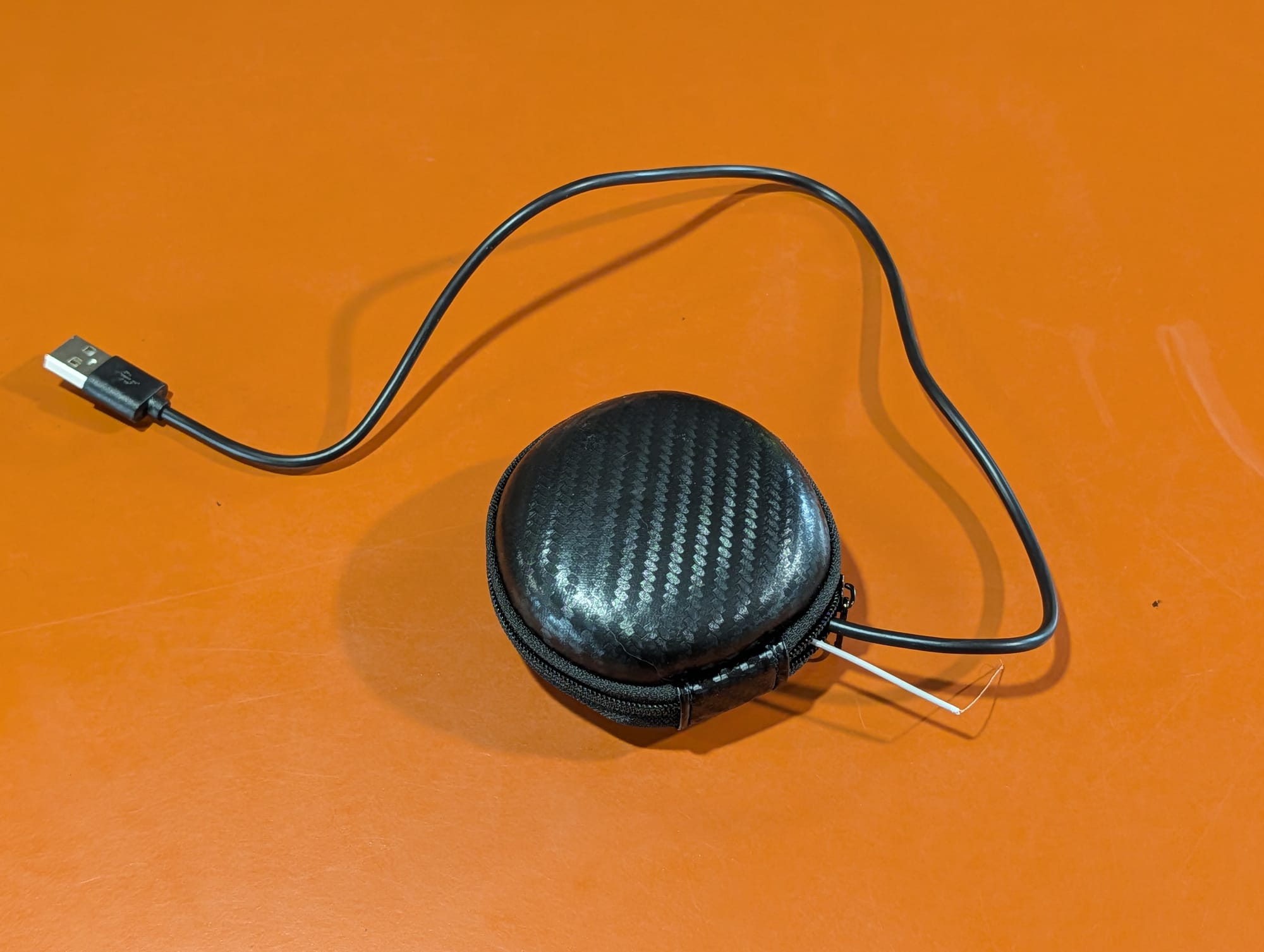
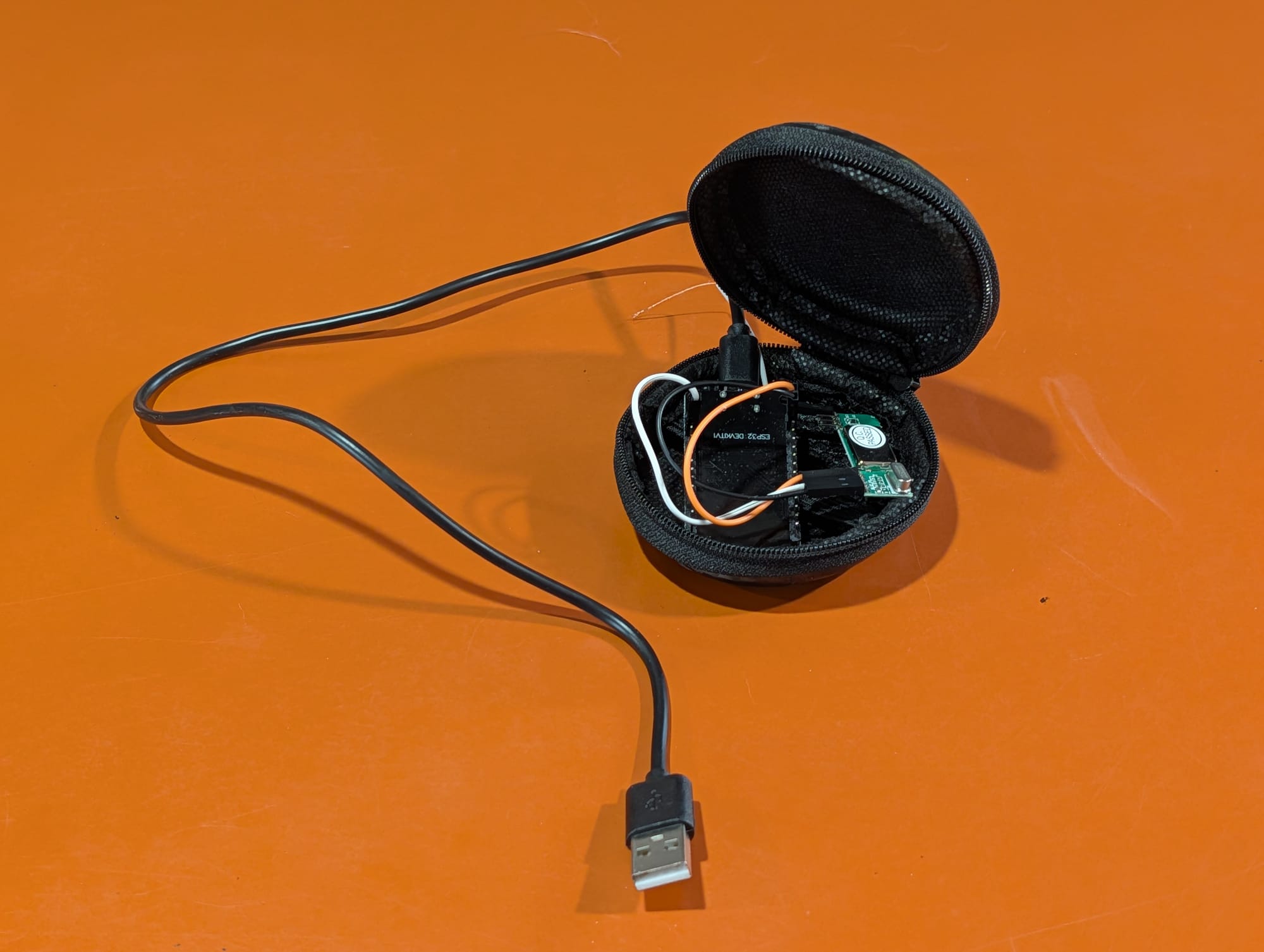
For a permanent fixture that lives near an outlet, the whole thing packs down almost comically small. Mine ended up tucked into a repurposed carbon-fiber earbud case — zip it shut and it's just a little pod with a USB tail.
The missing piece: a real notification bus
Here's where the project quietly grew a second half. I had no push-notification setup in the homelab at all — just email, and email is where notifications go to be ignored. If I was going to do this, I was going to do it once, properly, for the whole house.
I went with ntfy, a tiny, self-hosted Go service where you POST a message to a topic and subscribed devices get an instant push. It fits the homelab perfectly: one more container. Easy to tie into because it's just an HTTP POST:
curl -H "Authorization: Bearer tk_..." \
     -H "Title: Dog Doorbell" -H "Tags: dog2,bell" -H "Priority: 4" \
     -d "Basement bell — the dog wants out!" \
     https://ntfy.homelab/doorbell
Set up the Home Assistant integration for ntfy, add a few simple automations, and we have notifications straight to my phone the instant Lana boops a doorbell:
action: ntfy.publish
metadata: {}
target:
  entity_id: notify.dogdoorbell
data:
  title: Doggy Doorbell!
  message: Lana wants to go out! (Basement)
  priority: "4"
The payoff
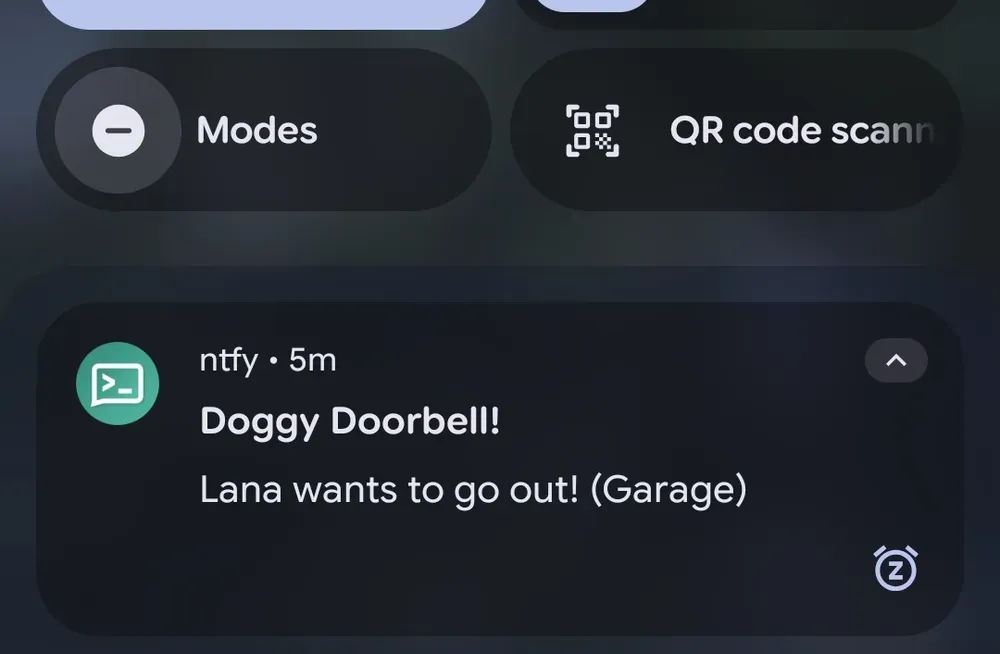
So where did all this land? Lana boops a paw, and within a second my phone buzzes — the bell's location right there in the notification — no matter which room I'm in or how deep in the basement I've buried myself. The dining-room chime still rings so Lana knows she's submitted her request, but it's no longer the only thing standing between her and a missed trip outside.
The 3am problem is gone, too. Every ring is now a logged event in Home Assistant, so instead of lying there arguing with my own sleep inertia over whether I dreamt the bell, I can glance at my phone and know. Ring or no ring, there's a record.
And I accidentally came out of this with something bigger than a dog-doorbell fix: a proper, self-hosted notification bus for the whole house. ntfy is now wired into Home Assistant, which means every future automation — laundry done, garage left open, a server keeling over at 3am — has somewhere to shout. The dog just happened to be the one who needed it first.
Total damage: about $10 in parts, a Flipper I already owned, and an afternoon. Lana, for her part, remains blissfully unaware that she's now a first-class citizen of a home-automation stack. She just knows the door opens when she asks. Good enough.