From IoT Spaghetti to VLAN Zen
A retrospective on migrating a 90-device flat LAN to a four-VLAN architecture on UniFi — the design decisions, the migration order, and every gotcha we hit along the way.
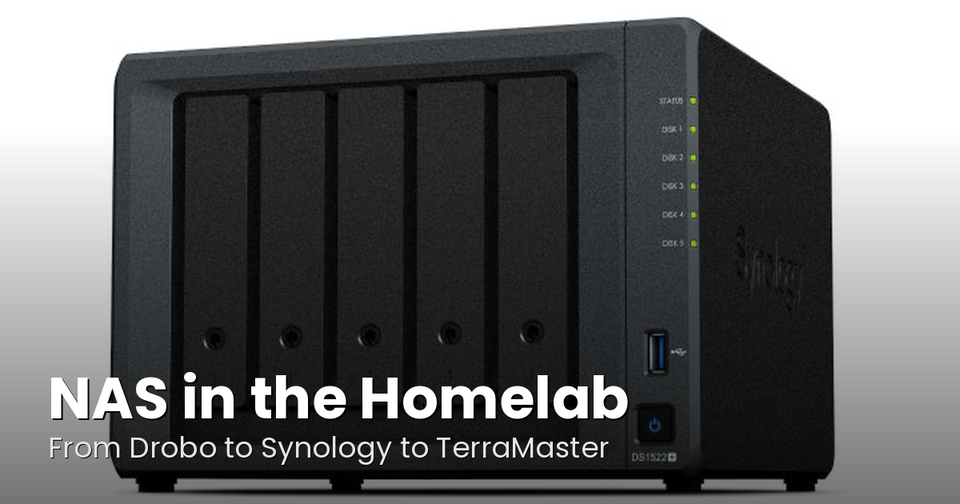
It started with a dying Drobo 5N2. The NAS had been running for years, and when it started showing signs of failure I decided to migrate 20TB off it before it took everything with it. I've written about that whole NAS migration saga separately — the rsync scripts, the stalled transfers, the eventual move to a Terramaster F4-425. But what I didn't expect was that the migration would expose every other problem lurking in the homelab. The Drobo dying was just the first domino.
While debugging rsync timeouts I started looking harder at the broader infrastructure, and the biggest realization hit fast: the network was completely flat. Ninety devices — servers, phones, TVs, smart appliances, smart lights, smart speakers, robot vacuums — all on the same /24, all chattering to each other constantly. Every ARP broadcast, every mDNS announcement, every IoT keepalive reached every server. It was background noise the whole stack was swimming in.
This is the story of turning that flat LAN into a properly segmented VLAN architecture, and the lessons learned along the way.
The Starting Point
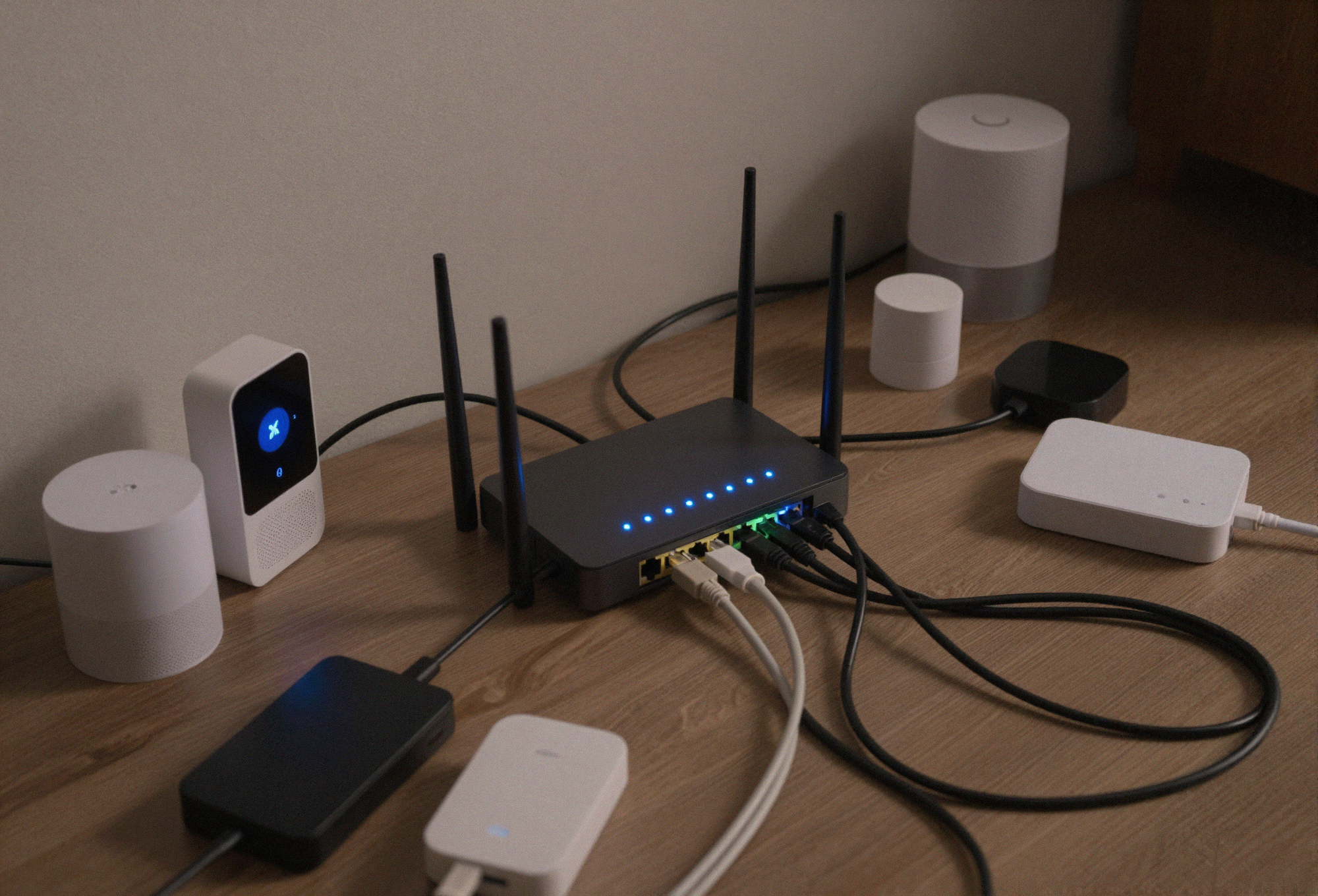
The hardware was already there. A full UniFi stack — Dream Machine Pro, USW-24 PoE core switch, four edge switches — all capable of proper VLAN segmentation. I just hadn't configured it. The fleet included a dedicated media server, a general-purpose container server running everything from the arr stack to GitLab to Home Assistant, a Windows box handling AI workloads with a GPU, three NAS devices, and a handful of Raspberry Pis running Pihole for DNS. All of it sitting on one flat subnet alongside every IoT device in the house.
The one piece missing was a managed edge switch to replace an unmanaged one that was hiding a cluster of basement devices from the VLAN system entirely. New switch ordered. While waiting for it to arrive, I designed the segmentation.
Designing the VLANs
Four VLANs, each with a clear purpose:
- VLAN 10 — Servers (192.168.10.0/24): All server infrastructure. The media server, container server, NAS devices, Pihole Raspberry Pis, and the AI workstation.
- VLAN 20 — Trusted Clients (192.168.20.0/24): Personal devices only. Phones, laptops, desktops — things that should get full access to the server network.
- VLAN 30 — Media Devices (192.168.30.0/24): TVs and streaming boxes. These only need access to Plex, Jellyfin, DNS, and the reverse proxy — they don't need to SSH into anything.
- VLAN 50 — IoT Local Access (192.168.50.0/24): Everything else. Smart plugs, smart lights, speakers, robot vacuums, appliances, environmental sensors — devices that need internet access and server-initiated connections for Home Assistant, but should never initiate connections back to the server network.
I initially planned a fifth VLAN splitting IoT into fully-isolated and locally-accessible tiers, but collapsed them mid-project. More on why that was the right call in the lessons learned.
The Firewall: Zone-Based, Default Deny
The firewall was upgraded to UniFi's zone-based system, which maps naturally to VLAN design. Each VLAN becomes a zone, each zone pair gets a policy. Default deny between all zones, with explicit allows carved out:
- Trusted Clients → Servers: Allow all. My devices get full access to everything.
- Trusted Clients → IoT: Allow all. Phone apps still need to talk directly to smart home devices — Hue, IKEA, and the like.
- Media Devices → Servers: Allow on specific ports only — 53 (DNS), 80/443 (web/proxy), 32400/32450 (Plex).
- Media Devices → IoT: Allow all. HDHomeRun discovery and IR hub control need this path.
- Servers → IoT: Allow all. Home Assistant controls IoT devices from here.
- IoT → anything internal: Block. IoT devices cannot initiate connections to servers, trusted clients, or media devices.
- All zones → Internet: Allow all. Everything gets out.
DNS First, Everything Else Second
Moving servers to a new subnet meant DNS had to be sorted before anything else moved. Three dedicated Pihole instances were stood up on VLAN 10 — two on Raspberry Pis as the primary and secondary DNS servers, plus an existing Pihole container on the media server as a tertiary backup. All VLANs were pointed at the two Pi-hosted instances before a single device changed subnets.
This turned out to be the single best decision of the project. Having DNS stable and tested on the new subnet meant device migrations were straightforward — bounce the device, it gets a new VLAN address, DNS resolves correctly immediately. Local DNS overrides directing internal domains to the correct server IPs were propagated across all three Pihole instances before any servers moved.
The Migration
Servers moved first, one by one, starting with the DNS hosts. Then trusted clients. Then media devices. Then IoT in bulk — re-tagging the IoT WiFi SSID to VLAN 50 moved fifteen appliances and smart devices in a single save.
WiFi SSIDs were reorganized to map cleanly onto VLANs — a primary WPA3 network for trusted personal devices, a 5GHz-only network for streaming boxes and TVs, and a pair of IoT networks (one 5GHz-capable, one 2.4GHz for low-bandwidth appliances). Each SSID tagged to its respective VLAN, no overlap.
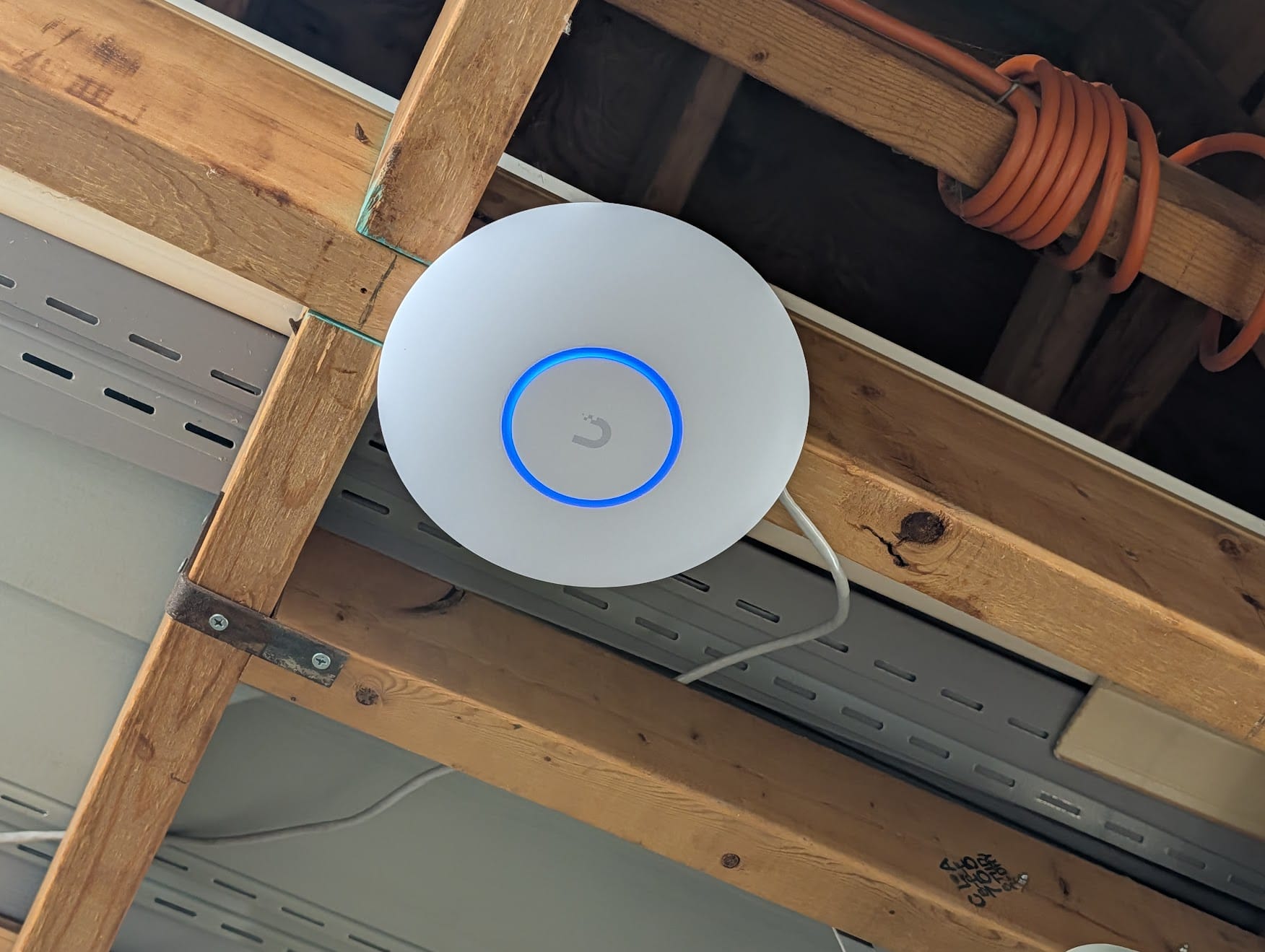
The two EOL access points — a UAP-AC-Pro and a UAP-AC-LR that hadn't received firmware updates since 2021 — were replaced with U7 Lite WiFi 7 APs. Better coverage, better security posture, lower PoE draw. The unmanaged edge switch got replaced with a USW Lite 8 PoE, finally bringing every port in the house into the VLAN topology.
Lessons Learned
Every VLAN migration is an education. Here's what this one taught me.
Docker subnet conflicts are sneaky and brutal
This was the most interesting bug of the project. Docker's default address pool was using 192.168.x.x ranges that happened not to conflict with anything on the flat network. Once the VLANs went live, a Docker bridge network covering 192.168.16.0/20 suddenly overlapped with the new trusted client subnet at 192.168.20.0/24. Traffic from trusted clients arrived at the container server's physical NIC, but tcpdump showed it never reaching the application — the kernel was routing return traffic out the Docker bridge instead of the physical interface.
The fix was reconfiguring Docker's default address pool to 172.16.0.0/12, well clear of any VLAN subnet. The lesson: design your VLAN subnets around Docker's defaults, or fix Docker's address pool before you start. Doing neither and discovering the conflict mid-migration is a bad time.
NFS exports don't update themselves
Synology NFS exports had the old flat subnet in their allowed hosts list. Moving servers to a new 192.168.10.x range meant those exports silently stopped working until the new subnet was added. Any NAS, SAN, or NFS server in your environment needs its access lists updated as part of the migration plan, not discovered after the fact.
Reverse proxy and trust configs need updating
Home Assistant's trusted proxy configuration, Nginx Proxy Manager's upstream definitions, and various service configs that referenced specific IPs all needed updating when servers changed subnets. Any service that uses IP-based trust or allowlists will need attention.
The IoT VLAN split was overthought
I initially designed two IoT VLANs — one fully isolated, one with local access for Home Assistant. Mid-project I collapsed them into a single IoT VLAN. In a home environment where you already have a server running Home Assistant that talks to all your IoT devices, the distinction between "isolated" and "locally accessible" IoT is mostly theoretical. One IoT VLAN with server-initiated access allowed and no outbound access to other internal networks is simpler and good enough.
DNS first is not optional
Having the Pihole instances running and tested on the new server VLAN before moving any devices made every subsequent migration step straightforward. If I'd tried to move DNS and servers simultaneously, every failure would have had two possible causes instead of one. Eliminate variables early.
The Results
The network is measurably faster and more stable. Pages load faster. App connections are snappier. NAS transfers are more consistent. The broadcast domain reduction alone — removing 40+ chatty IoT devices from the server subnet — makes a real difference. Servers are no longer receiving every smart light keepalive and appliance status update alongside legitimate traffic. IGMP snooping is enabled globally, further reducing multicast noise.
The flat LAN is empty and will be removed once the last few stragglers are confirmed on their new VLANs. What started as saving data off a dying NAS turned into a proper network segmentation project. The Drobo forced the issue, the flat network made the case, and the UniFi stack was already waiting for someone to finally configure it properly. Ninety devices, four VLANs, zone-based firewall, and a lot fewer broadcast packets flying around. The homelab is quieter now, in the best way.