Growcast: Replacing OBS with a Single Container for 24/7 Grow Streaming
How I replaced a Guacamole + OBS Studio stack with a single Go container that streams my grow tent 24/7 using FFmpeg, GPU acceleration, and live sensor overlays.
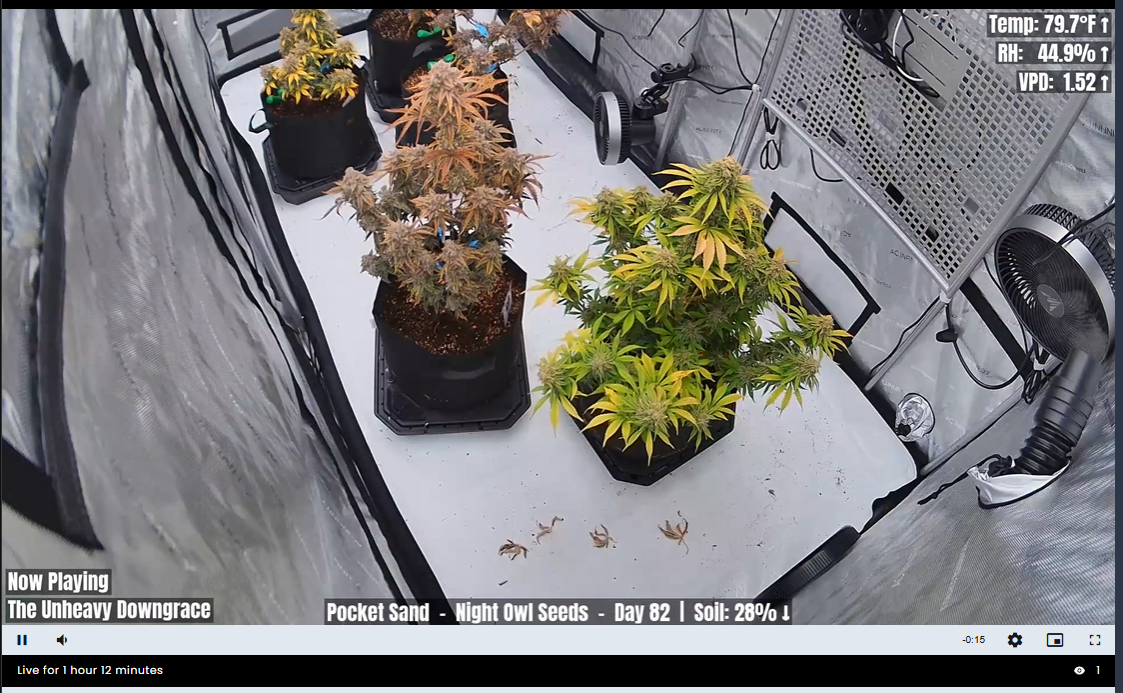
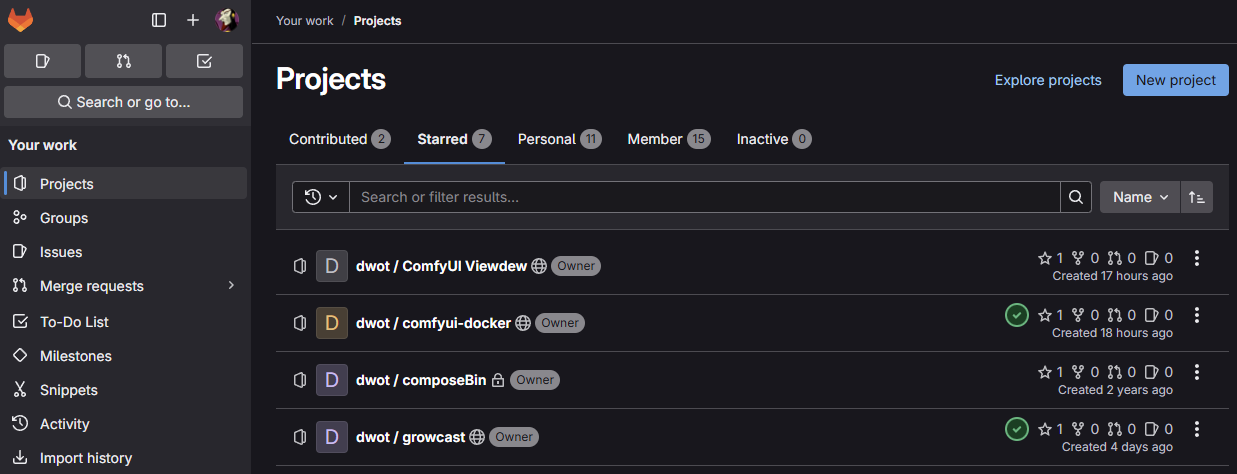
For a while now I've been running a 24/7 live stream of my grow tent. What started as a simple "point a camera at some plants" setup gradually turned into a multi-layered mess of services — and eventually, a custom Go application that replaced all of it. That project is Growcast, and it's now public on GitHub.
The Old Setup
The original streaming rig was... a lot. I had a Guacamole server providing remote access to an Ubuntu desktop that was running OBS Studio. OBS handled compositing the camera feeds, and I used plugins for scene rotation to cycle through different views automatically. It worked, sort of, but it required constant babysitting. OBS would crash, the scene rotation plugin would get confused, the remote desktop session would hang — there was always something that needed manual intervention to keep the stream alive.
For a "set it and forget it" 24/7 stream, it was anything but. I wanted something simpler: a single container that could pull in my RTSP camera feeds, composite them with overlays, pipe in background music, and push a continuous stream to my Owncast server — all without a desktop environment, without OBS, and ideally without me needing to touch it.
What Growcast Does
Growcast is a Go application that orchestrates FFmpeg to produce a continuous livestream from multiple camera sources. The key trick is using FFmpeg's streamselect filter controlled via ZMQ — this lets Growcast switch between scenes (different camera layouts) without ever dropping or reconnecting the output stream. The stream just keeps rolling, and the view changes seamlessly underneath.
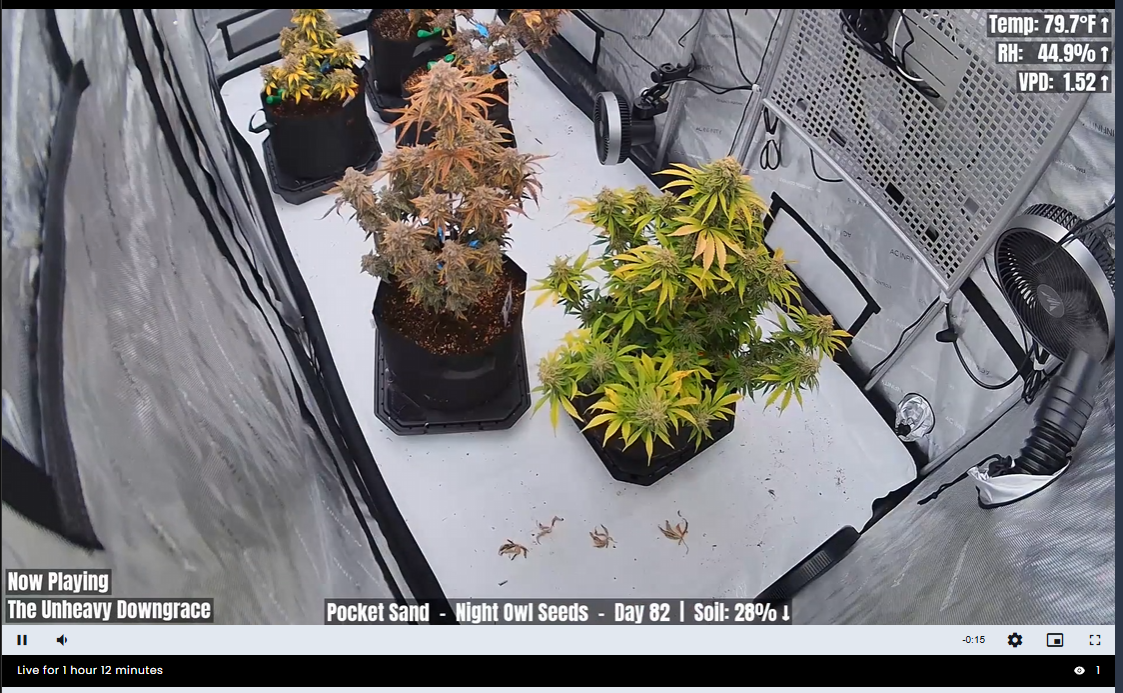
It supports several layout modes: a single full-frame camera, picture-in-picture with a small inset, and 2×2 grids for up to four cameras. Scenes rotate automatically on a configurable timer, so the stream cycles through different views of the tent throughout the day without any intervention.
Live Stats from Isley
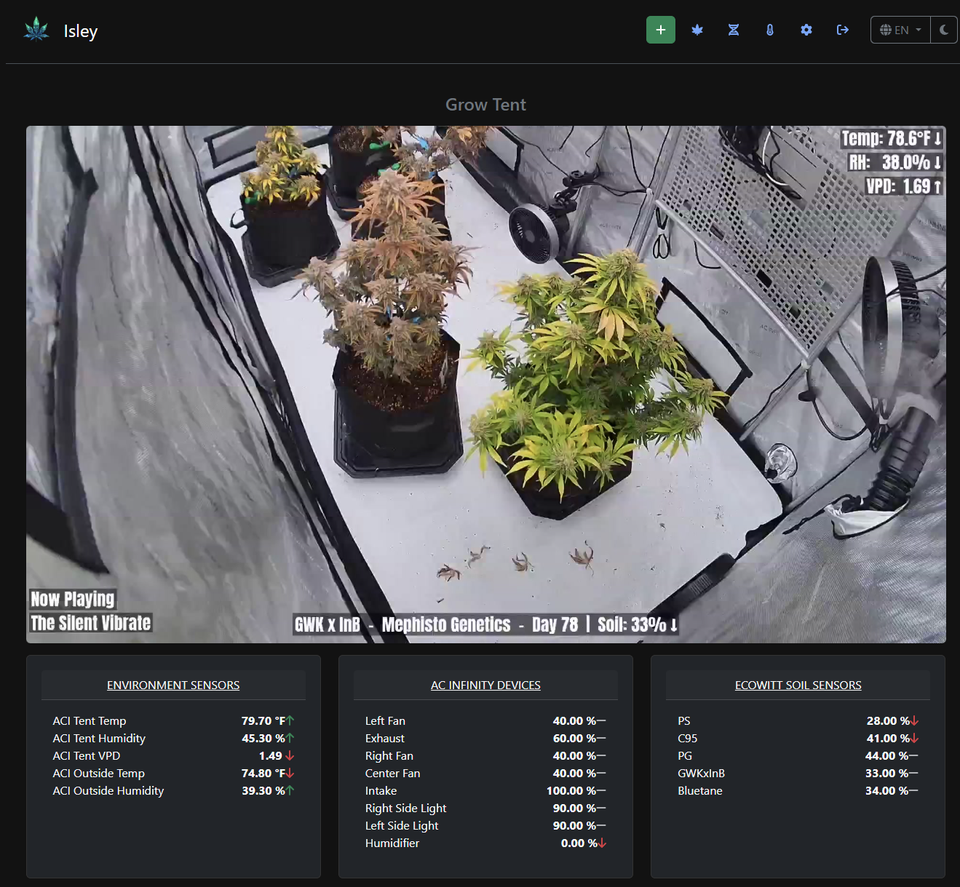
One of the features I'm most happy with is the overlay system. Growcast polls the API from Isley, my grow tracking project, and renders live sensor data directly onto the stream. Temperature, humidity, VPD — it's all there in real time. It also rotates through plant information, showing details about what's currently growing along with soil moisture readings when available.
There's also audio integration. Growcast pulls an HTTP audio stream from my Azuracast radio station and mixes it into the stream as background music, complete with now-playing metadata displayed on screen. It's a nice touch that makes the stream feel more like something you'd actually want to leave on in the background.
GPU Acceleration and Docker
One of the original goals was to leverage my GPU to keep the CPU load manageable. Growcast supports NVIDIA hardware acceleration via NVENC for encoding and CUVID for decoding, and the whole thing ships as a Docker container with both CPU and GPU variants. The GPU image uses the nvidia-container-toolkit so it can access the host GPU.
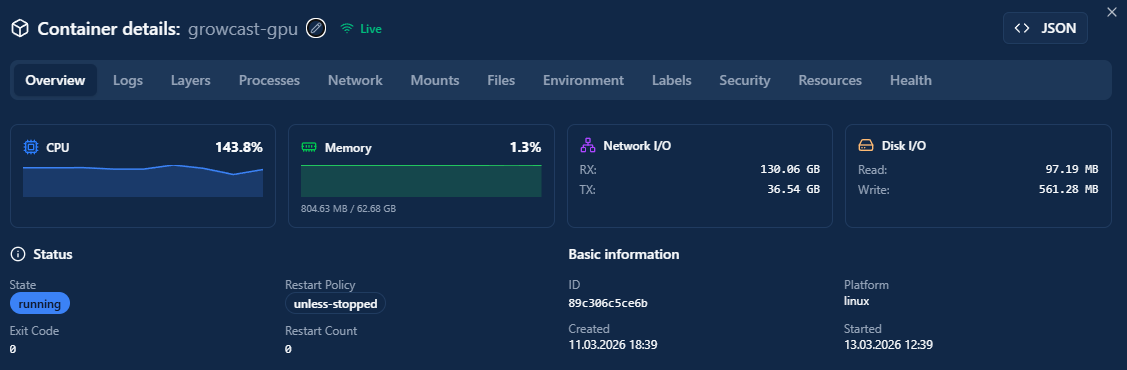
The container setup is straightforward — a YAML config file defines your cameras, scenes, outputs, and overlay settings, and you just bring it up with docker compose. It also has a REST API for manual control: switching scenes, checking status, restarting camera connections. Handy when you want to force a specific view without waiting for the rotation.
Reliability: A Work in Progress
I'll be upfront — it's not perfect yet. RTSP camera feeds are inherently finicky, and hiccups happen. Sometimes a camera connection drops and things hang momentarily. I'm not entirely convinced there isn't some network gremlin on my LAN causing some of the instability, but I haven't tracked it down yet.
That said, the recovery story is solid. When something does go wrong, Growcast detects it and bounces back quickly. It has background health checks on camera connections and the stream recovers without manual intervention. For a project that started as "I just want to stop babysitting OBS," the improvement is massive. I essentially never touch it now — it just runs.
The Result
The live stream runs 24/7 on my self-hosted Owncast instance at grow.dwot.io. It cycles through camera angles, shows live environmental data from the tent, plays music, and recovers from hiccups on its own. All from a single container.
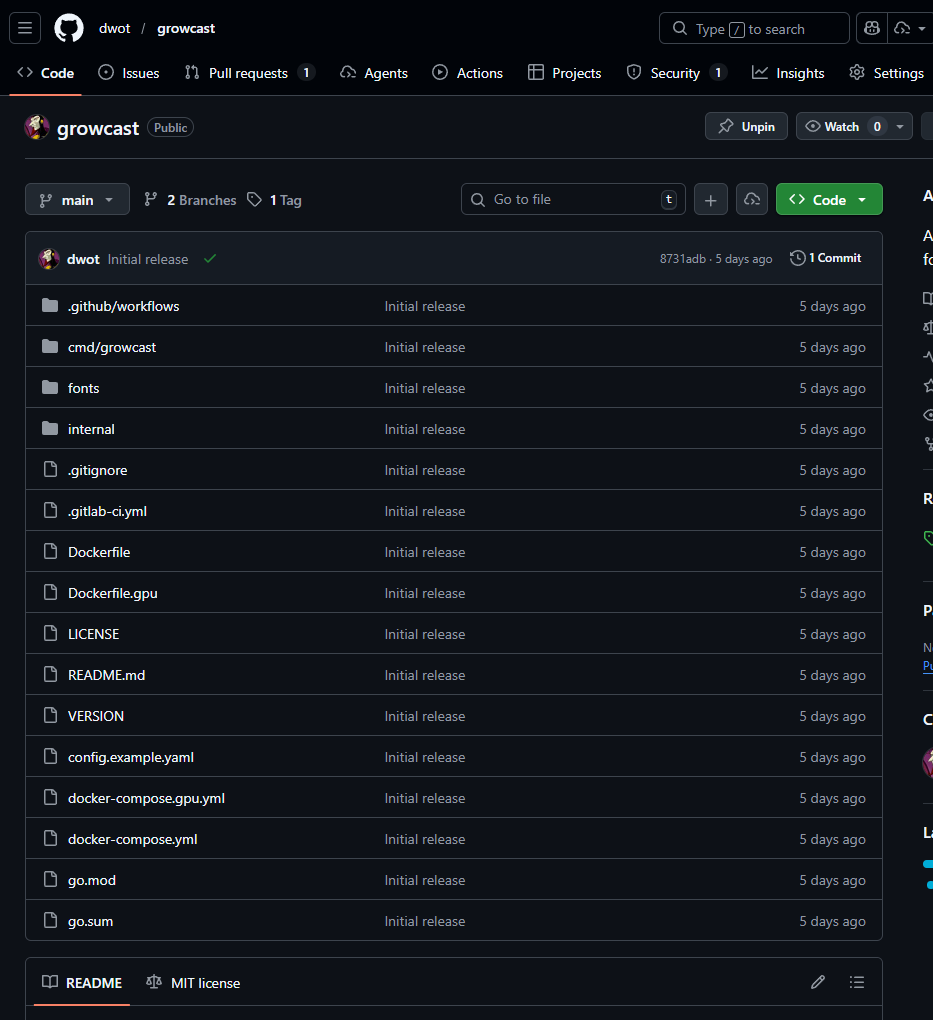
Compared to the old Guacamole → Ubuntu Desktop → OBS → Plugins stack, this is night and day. Fewer moving parts, fewer things to break, and when something does break it fixes itself. If you're running cameras and want a lightweight, containerized streaming solution that doesn't need a desktop environment, check it out. It's MIT licensed and the config is pretty well documented in the README.
Next steps are continued reliability improvements — better RTSP reconnection logic, maybe some smarter error handling around the FFmpeg pipeline — and possibly adding more overlay customization options. But for now, it does what I built it to do: stream my grow, hands-off, 24/7.