NAS in the Homelab: From Drobo to Synology to TerraMaster
How our homelab storage evolved from proprietary Drobo units to a three-NAS setup with Synology and TerraMaster — and the slow, rsync-powered migration to retire the last Drobo standing.
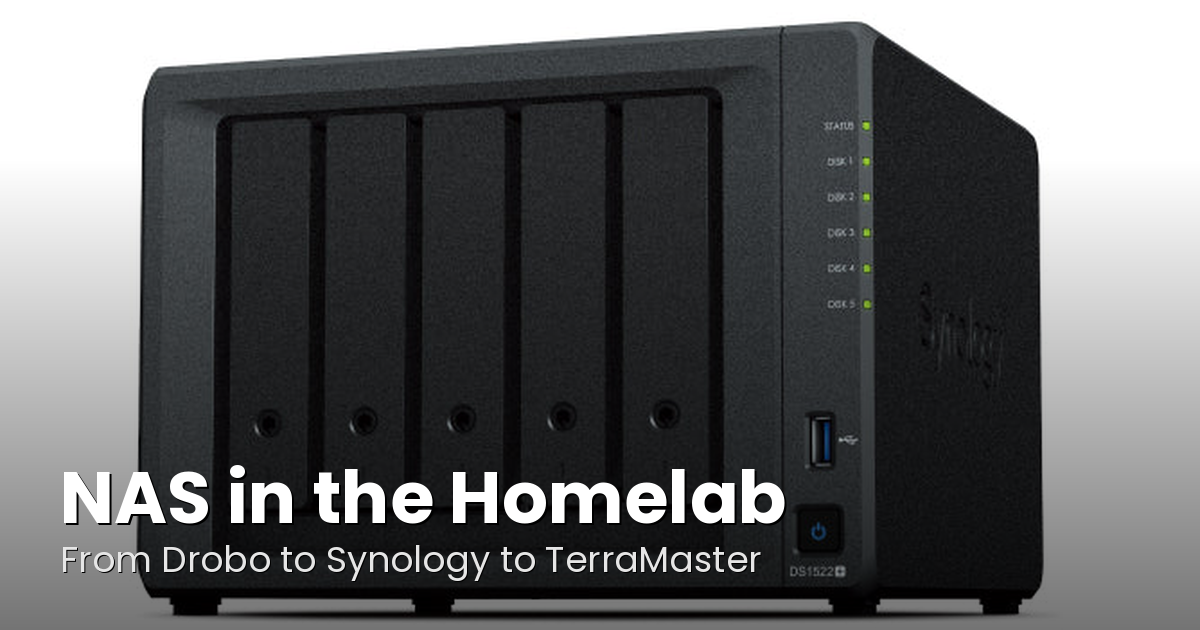
Every homelab needs somewhere to put the data, and over the years our storage strategy has evolved from "whatever external drives are on sale" to a proper multi-NAS setup that backstops every server in the lab. It's been a journey — from Drobo's proprietary ecosystem through Synology's polished reliability, and now adding a TerraMaster unit to the mix. Here's how we got here and what the current setup looks like.
The Drobo Days
Our first real NAS units were Drobos — specifically a Drobo FS and later a pair of Drobo 5N2 units. At the time, Drobo was a compelling pitch: pop in any mix of drives, let their proprietary BeyondRAID handle the redundancy, and don't think about it. And for a while, that worked. The units hummed along in the background doing their thing.
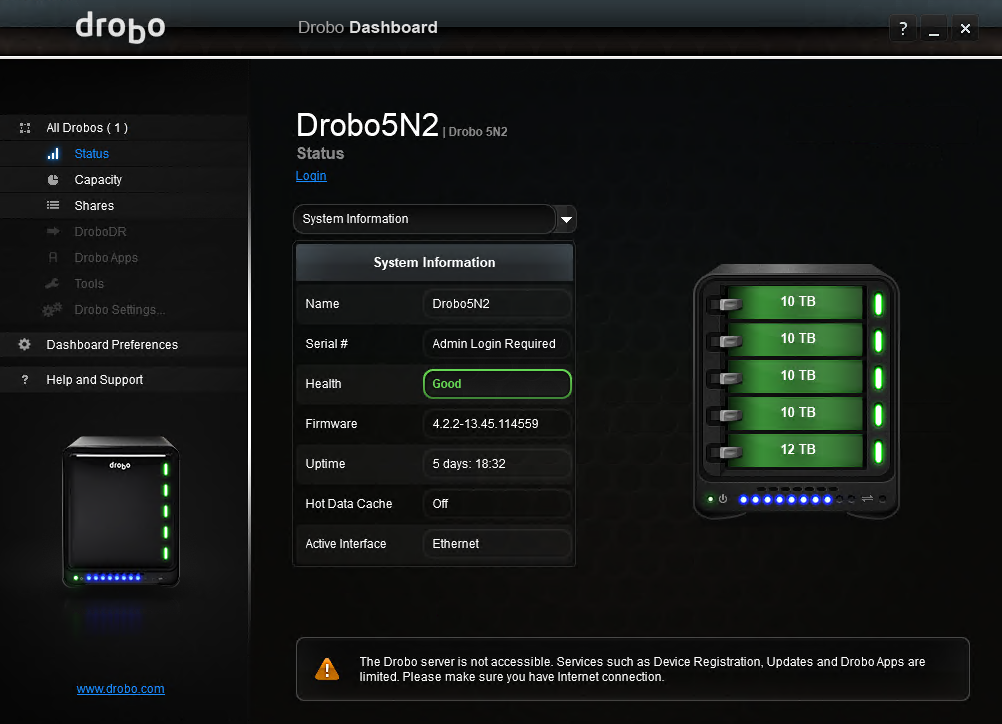
The problems with Drobo were slow-burning but ultimately fatal. The proprietary filesystem meant your data was locked into Drobo hardware — you couldn't just pull the drives and read them in anything else. Performance was never stellar, especially on the network side. And then the company itself went under, taking any hope of firmware updates, replacement parts, or support with it. When your storage vendor ceases to exist, your NAS becomes a dead island on a very long timeline.
We kept one of the 5N2 units limping along as a backup box for a while, loaded with older 12TB and 10TB drives that had been rotated out of primary duty. But it's been increasingly painful — long hangs during data transfers, general unreliability, and the constant low-grade anxiety of running critical backups on hardware from a dead company.
Enter Synology
The replacement plan was straightforward: Synology DS1522+ units. Five bays, AMD Ryzen embedded processor, proper EXT4/Btrfs filesystem on standard Linux under the hood, and DSM — a management interface that's genuinely good. We picked up two of them.
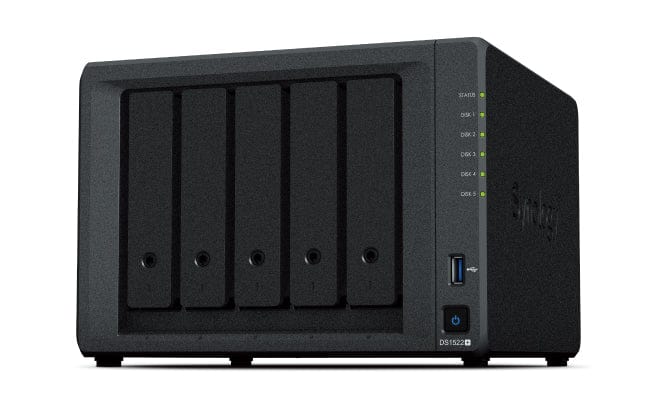
The first Synology, Gemstone, is our primary storage workhorse. She's running 2x 24TB and 3x 18TB shucked drives for a healthy pool of redundant storage. Moltar, the second unit, is loaded with 5x 18TB drives and handles replication and secondary duties. Between the two of them, we've got a solid primary and backup layer that the rest of the homelab leans on for media, project files, container volumes, and general bulk storage.
The naming convention, if you're curious, comes from whatever we happen to be watching when we get to the hostname prompt. Gemstone is from The Righteous Gemstones, Moltar from Space Ghost Coast to Coast. It's not a system — it's a vibe.
The Shucked Drive Strategy
You'll notice a theme in our drive specs: shucked drives. For years now we've been buying external USB drives — WD EasyStores, Seagate Expansions, whatever has the best dollar-per-terabyte ratio — and pulling the bare drives out of the enclosures to slot into our NAS units. It's not the most enterprise approach to storage procurement, but the cost savings are substantial. A shucked 24TB drive costs significantly less than buying the equivalent bare drive at retail, and you're usually getting the same underlying hardware.
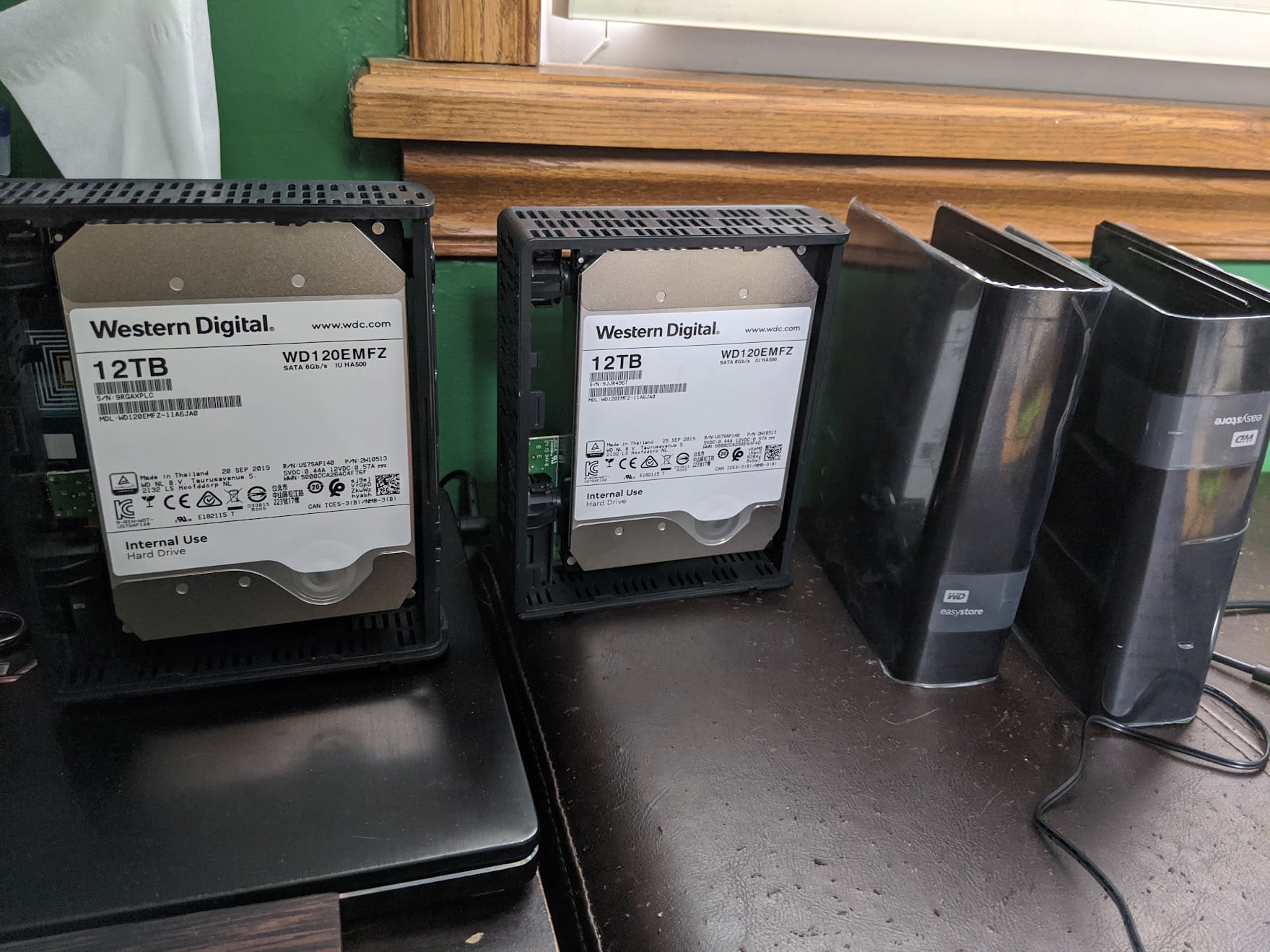
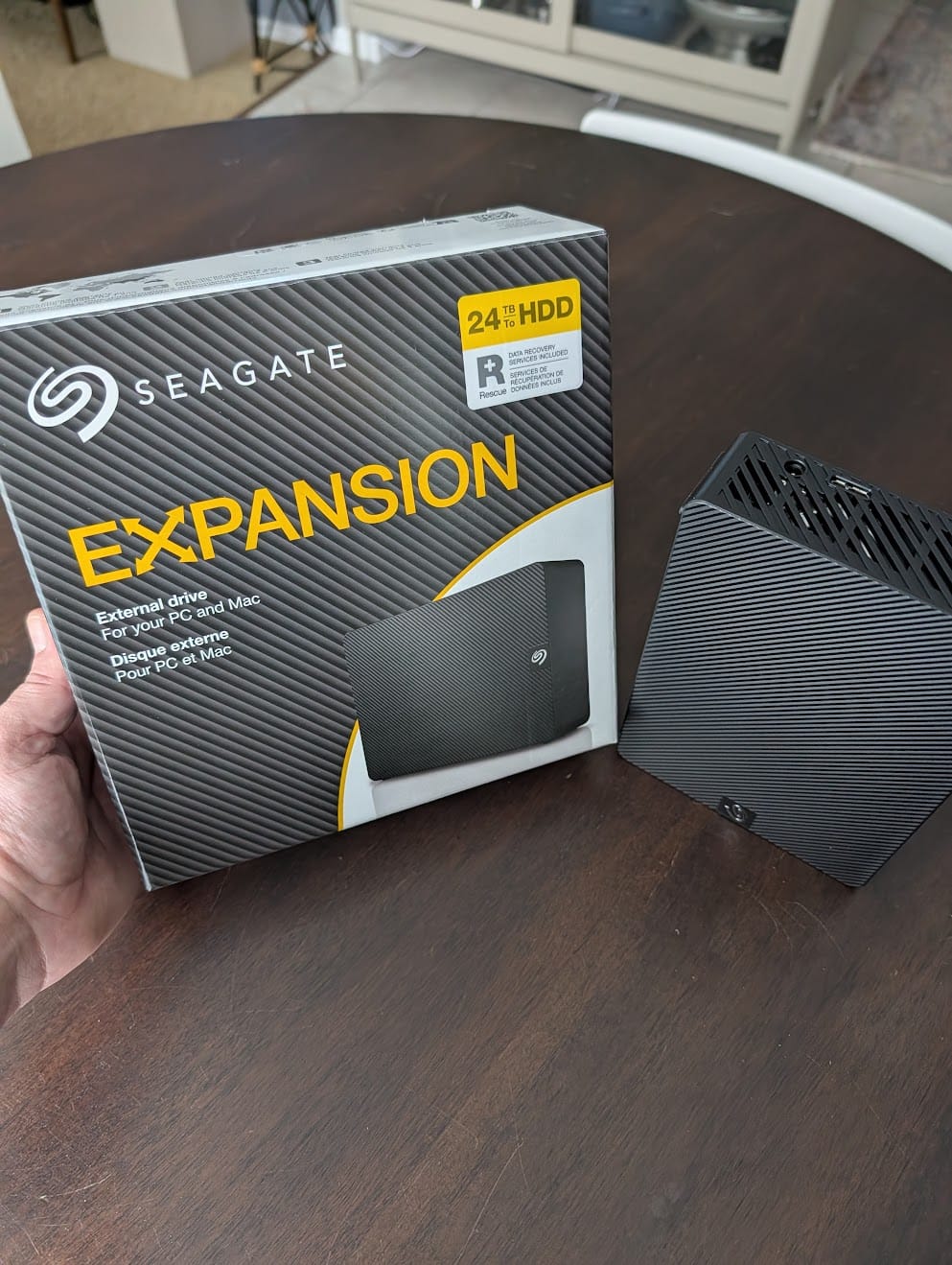
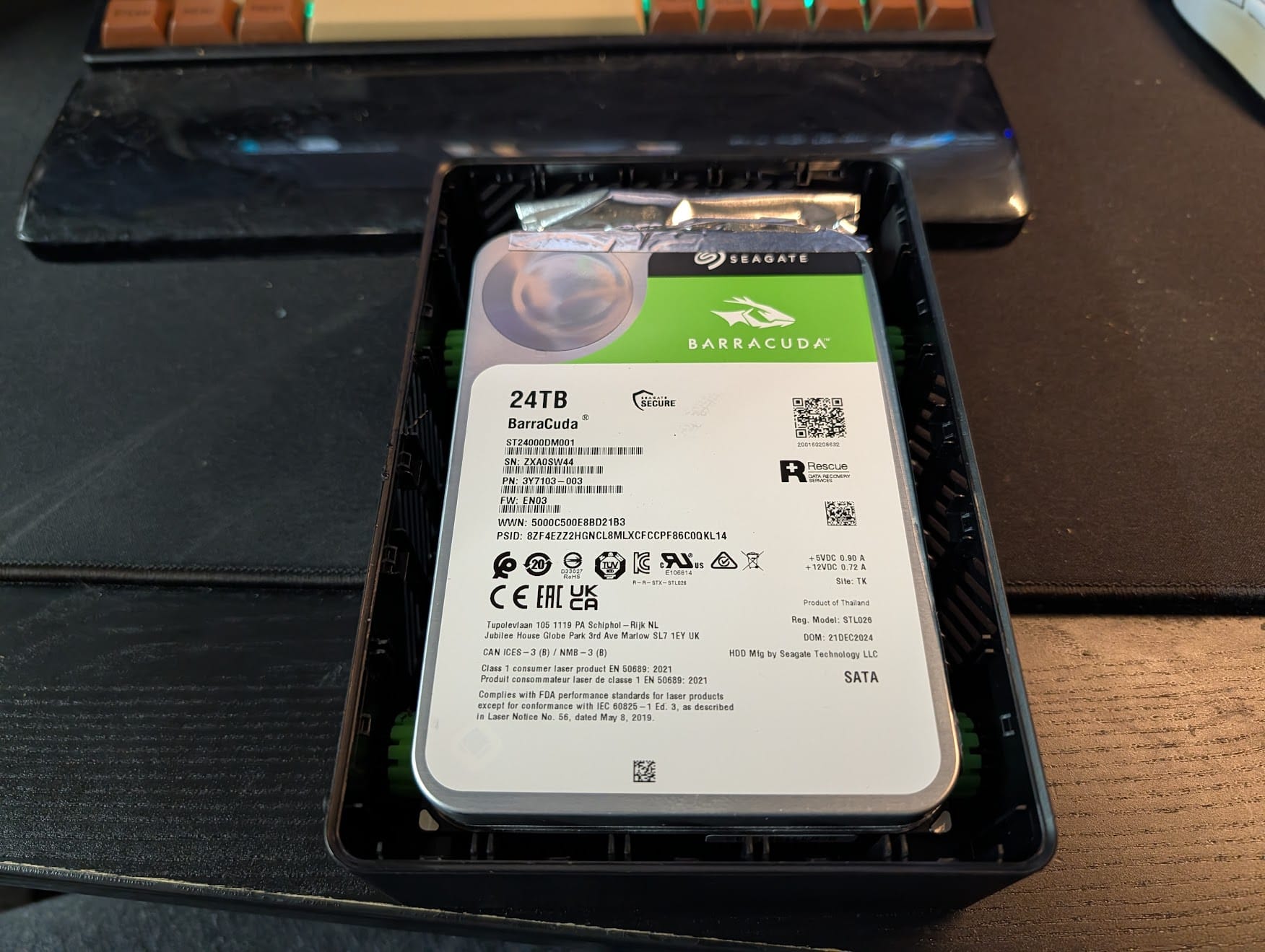
We've shucked a variety of drives over the years — WD Whites and Reds hiding inside EasyStores, Seagate BarraCudas inside Expansions — and they've all held up well in NAS duty. It's a well-trodden path in the homelab and data hoarding communities, and while it certainly isn't the most "enterprise" solution, it keeps our cost-per-terabyte in a very comfortable range.
Retiring the Last Drobo: Enter Walnuts
With the remaining Drobo 5N2 becoming increasingly unreliable, we needed a replacement to take over its backup duties. Rather than buying a third Synology — which would have been the easy call — we decided to try a TerraMaster F4-425. Four bays, Intel N95 processor, and a noticeably lower price point than the Synology equivalent. For a backup-tier NAS that mostly needs to receive data and sit quietly, it seemed like a solid fit.
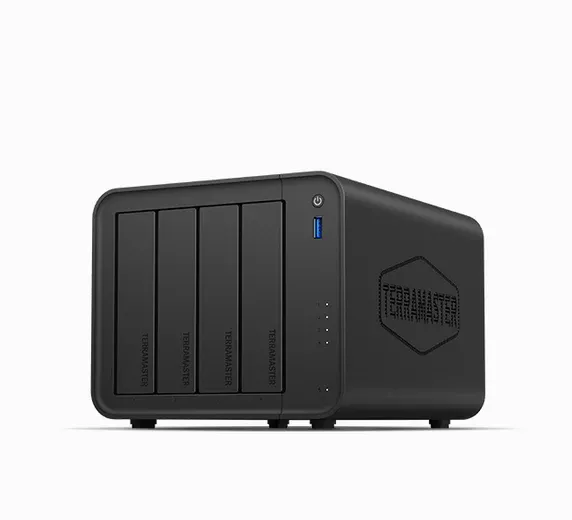
The unit is named Walnuts, after Paulie Walnuts from The Sopranos — because that's what was on when we got to the hostname prompt. Tradition is tradition.
We loaded Walnuts with 4x 12TB drives that had previously been in NAS service — retired from primary duty in the Synology units but still perfectly healthy. The RAID initialization is done, and we're now in the long process of dribbling data off the dying Drobo.
The Migration: Death by rsync

Migrating data off a dying NAS is an exercise in patience. The Drobo's flakiness means we can't just fire off one massive rsync and walk away — transfers hang, connections drop, and the unit occasionally just stops responding for a while. So the strategy is careful, incremental rsync runs: pick a directory, start the transfer, verify it landed intact, repeat.
rsync -avh --progress /mnt/drobo/media/movies/ /mnt/walnuts/media/movies/The --progress flag is essential here — not because it makes things faster, but because staring at a silent terminal while copying terabytes off an unreliable NAS is a recipe for anxiety. At least with progress output you can tell the difference between "working slowly" and "hung completely."
We're prioritizing data by replaceability. Stuff that would be genuinely painful to lose — project archives, photos, documents — gets migrated first. Media that could theoretically be re-acquired moves last. It's going to take a while, but every successful rsync run is one more directory we can stop worrying about.
The Current NAS Lineup
Here's where things stand today:
- Gemstone (Synology DS1522+) — Primary storage. 2x 24TB + 3x 18TB shucked drives. Handles the bulk of media, project files, and container volumes for the homelab.
- Moltar (Synology DS1522+) — Secondary storage and replication target. 5x 18TB shucked drives. Backs up critical data from Gemstone and serves as overflow.
- Walnuts (TerraMaster F4-425) — Backup-tier NAS, currently absorbing data from the retiring Drobo. 4x 12TB shucked drives. Will settle into its role as a third-tier backup and archive once the migration is complete.
- Drobo 5N2 (legacy) — On life support. Being drained of data as fast as its flaky firmware will allow. Destined for the electronics recycling bin once Walnuts has everything.
Lessons from a Decade of NAS Tinkering
If there's a through-line to all of this, it's that NAS hardware is less important than NAS strategy. The Drobo was fine hardware that became a liability because of a proprietary ecosystem and a company that didn't survive. The Synology units are great, but we're not betting everything on a single vendor anymore — hence the TerraMaster experiment for backup duty.
A few things we've learned along the way:
- Avoid proprietary filesystems. If you can't pull the drives and read them in a standard Linux box, you're one hardware failure away from a very bad day. Standard filesystems (EXT4, Btrfs, ZFS) mean your data isn't held hostage by any single vendor.
- Shucking works, but keep spares. Shucked drives are a great value play, but keep a spare drive or two on the shelf. When a drive fails at 2 AM, you don't want to be waiting for a shipping notification.
- Tiered storage is worth the complexity. Not all data needs the same level of protection. Primary NAS for active use, secondary for replication, tertiary for cold backup. Each tier can be a different class of hardware.
- rsync is your best friend. It's not glamorous, but for NAS-to-NAS migration and ongoing backup, nothing beats a well-crafted rsync command. Learn the flags, trust the checksums.
The homelab storage story is never really "done" — drives age out, capacities grow, needs change. But for now, we've got a solid three-NAS setup that covers primary, secondary, and backup duties without depending on any single vendor or proprietary stack. And once Walnuts finishes digesting the Drobo's data, we can finally put that chapter to rest.